AI Beard Generator
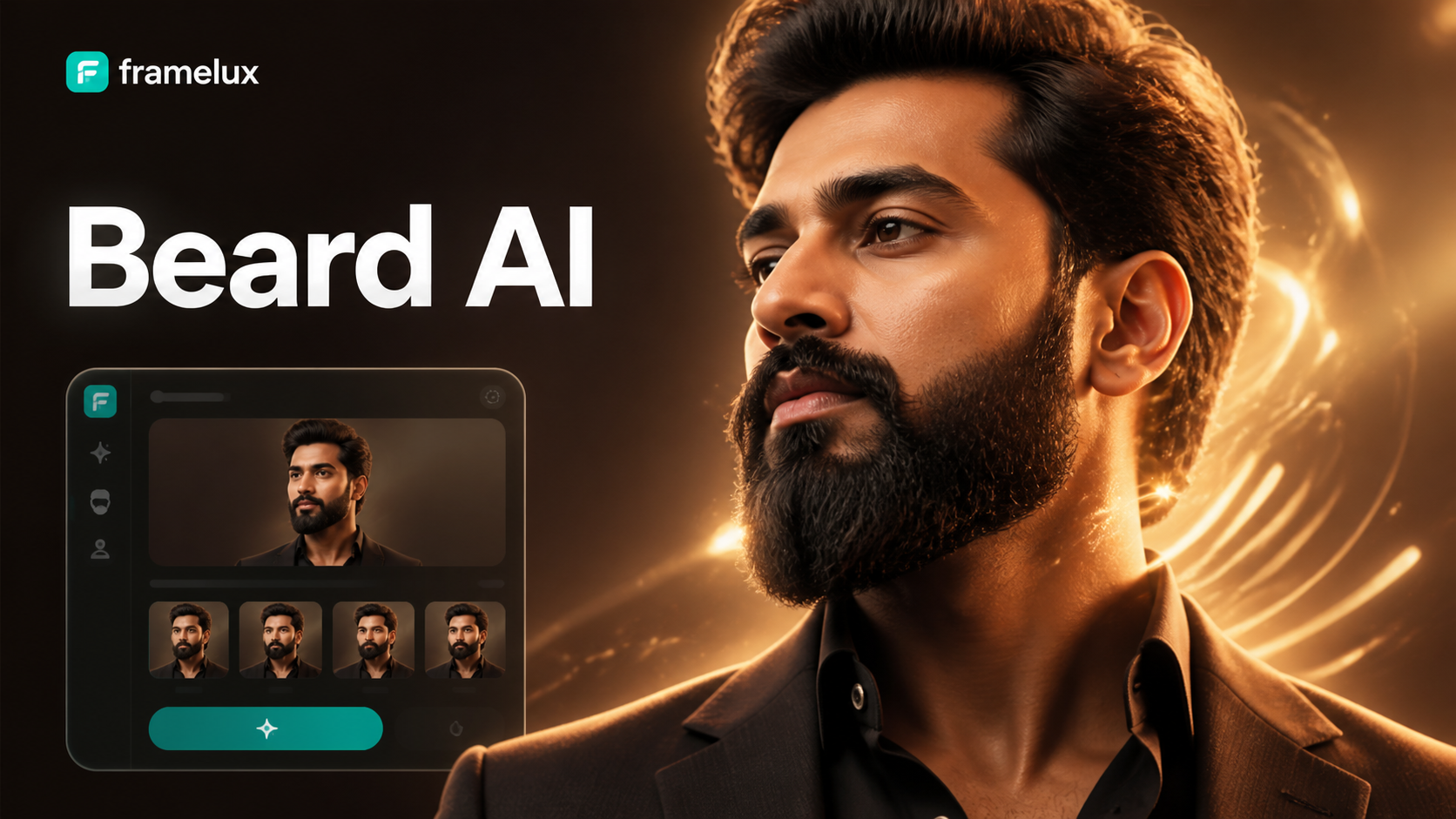
Find Your Perfect Beard Style
Our app offers a massive library of beard filters. Whether you want a subtle goatee, a thick lumberjack beard, or stylish stubble, find the look that fits your face.
Why Our AI Beard Generator Stands Out
We combine powerful AI with an intuitive mobile app to give you the most realistic and customizable beard transformations available.
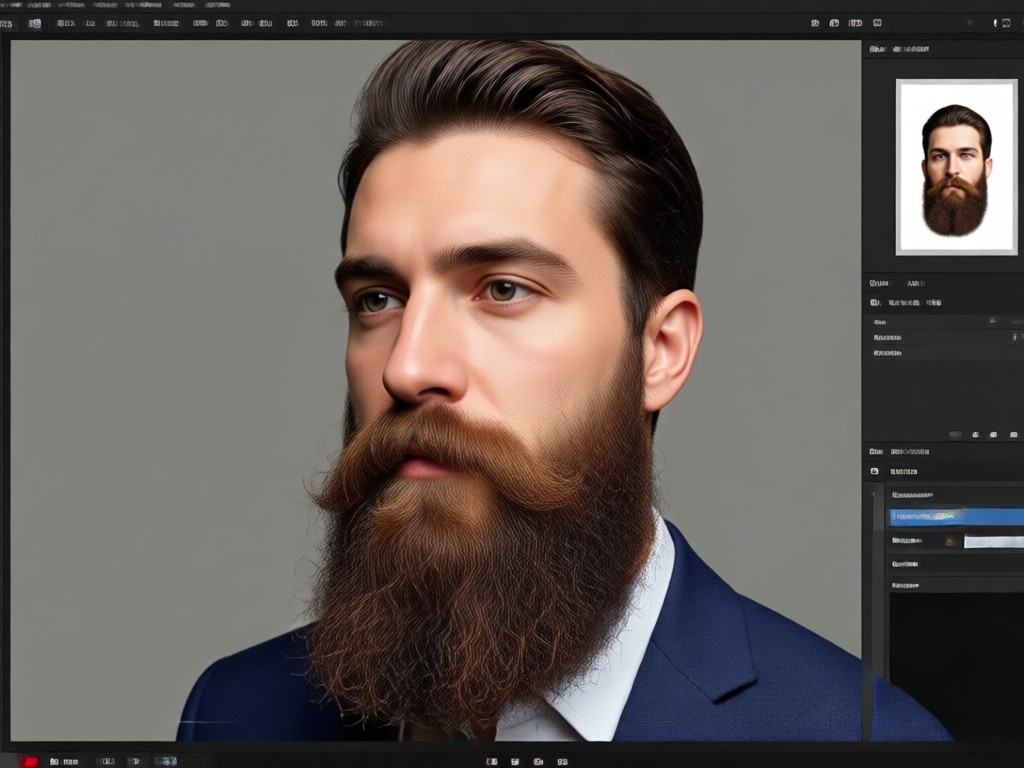
Hyper-Realistic Beard AI
Our AI doesn't just paste a beard. It analyzes your facial structure, skin tone, and hair direction to generate a beard that looks like it grew naturally from your face.
Hyper-Realistic Beard AI
Our AI doesn't just paste a beard. It analyzes your facial structure, skin tone, and hair direction to generate a beard that looks like it grew naturally from your face.
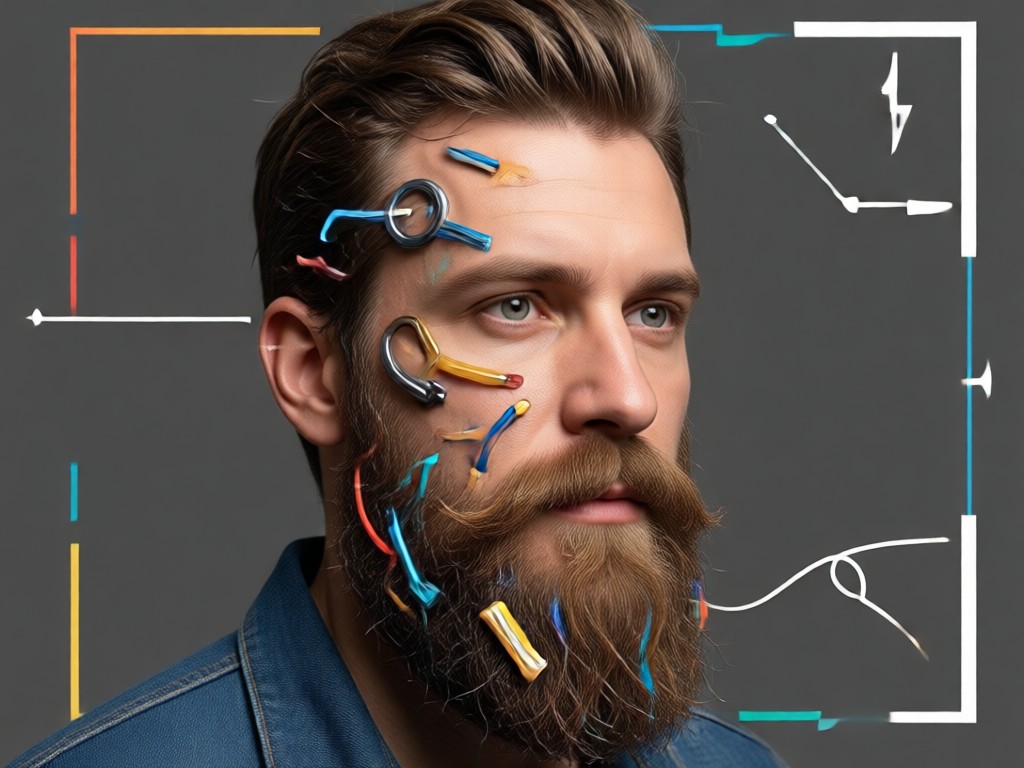
Hundreds of Beard Styles
Experiment with every style imaginable. Choose from goatees, Van Dykes, mutton chops, circle beards, stubble, full beards, and more. Adjust length, thickness, and color.
Hundreds of Beard Styles
Experiment with every style imaginable. Choose from goatees, Van Dykes, mutton chops, circle beards, stubble, full beards, and more. Adjust length, thickness, and color.
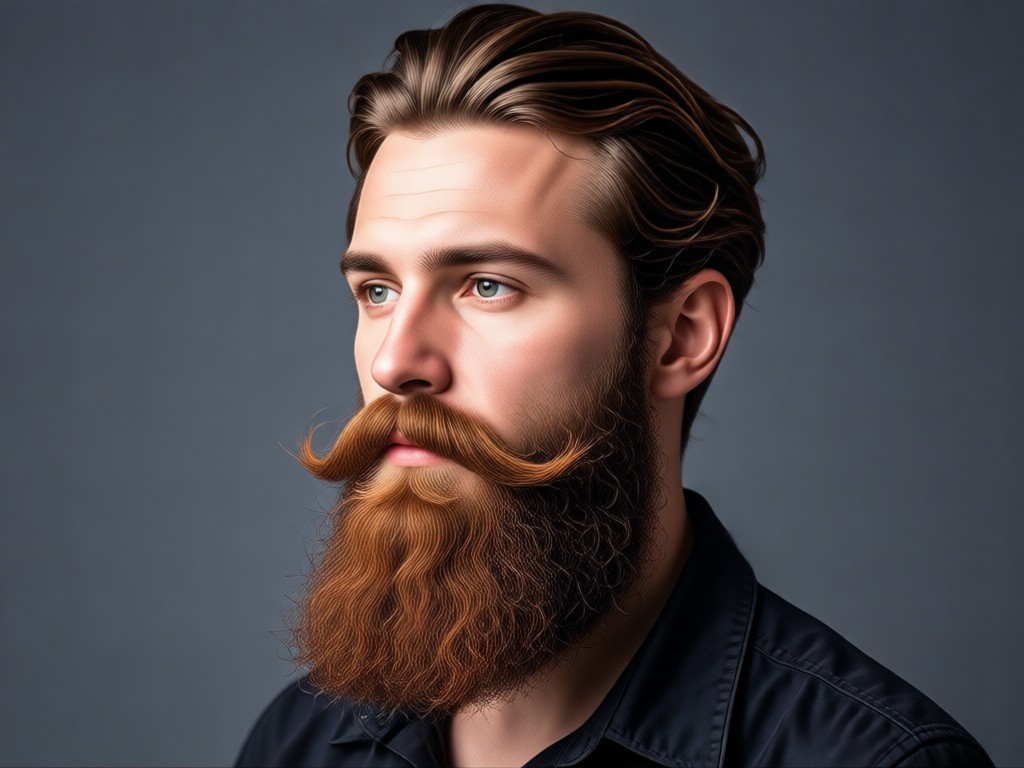
One-Click Transformation
The process is incredibly simple. Upload your photo, pick a beard filter, and let the AI work. Get high-quality results in under 10 seconds, all on your phone.
One-Click Transformation
The process is incredibly simple. Upload your photo, pick a beard filter, and let the AI work. Get high-quality results in under 10 seconds, all on your phone.
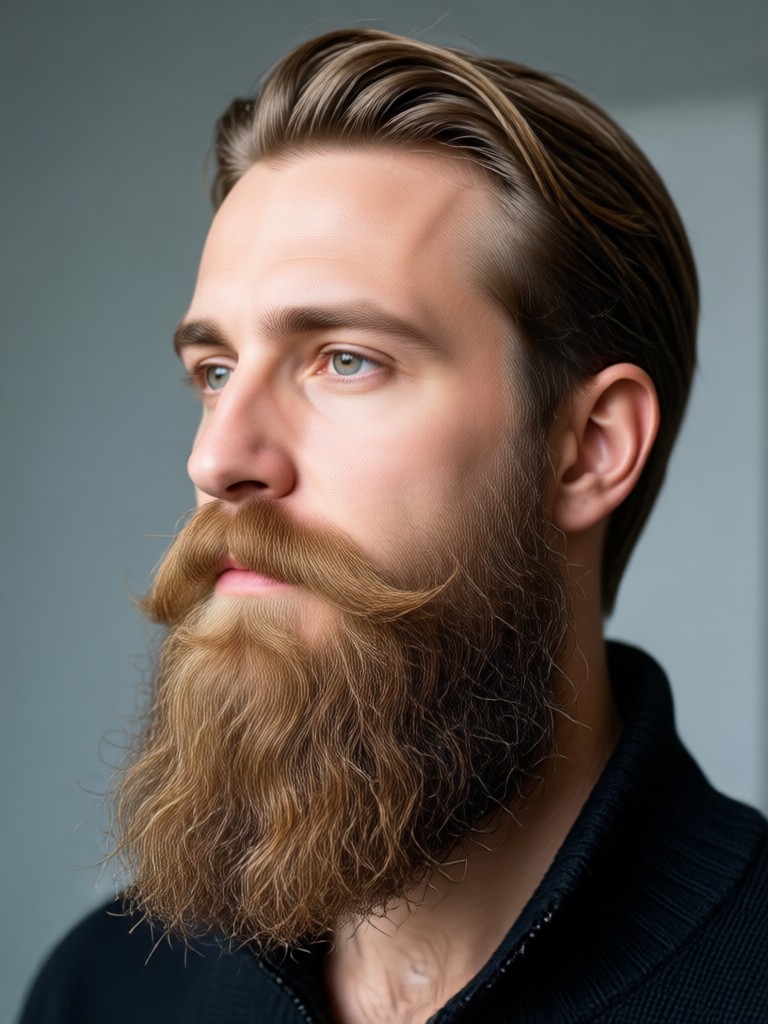
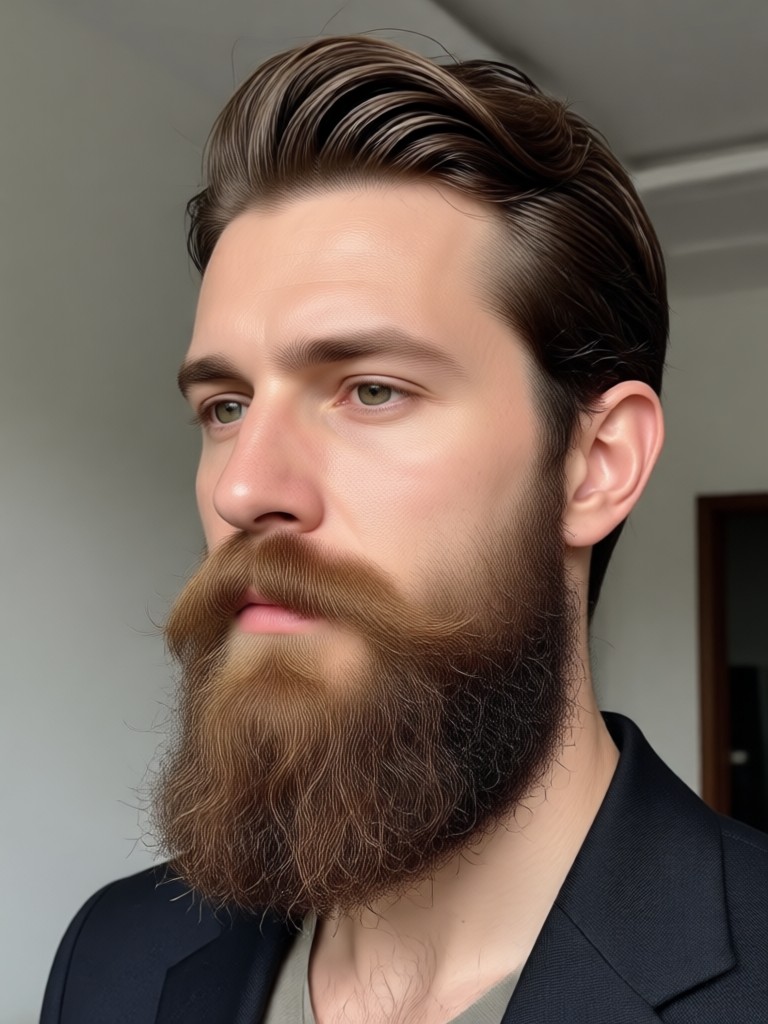
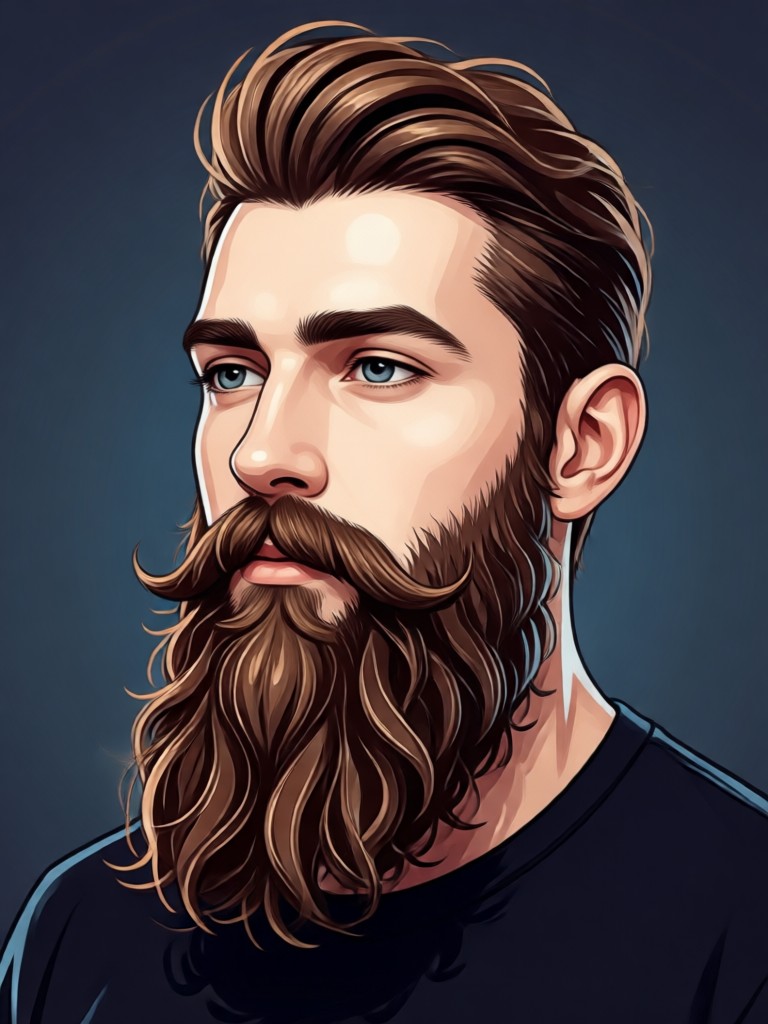
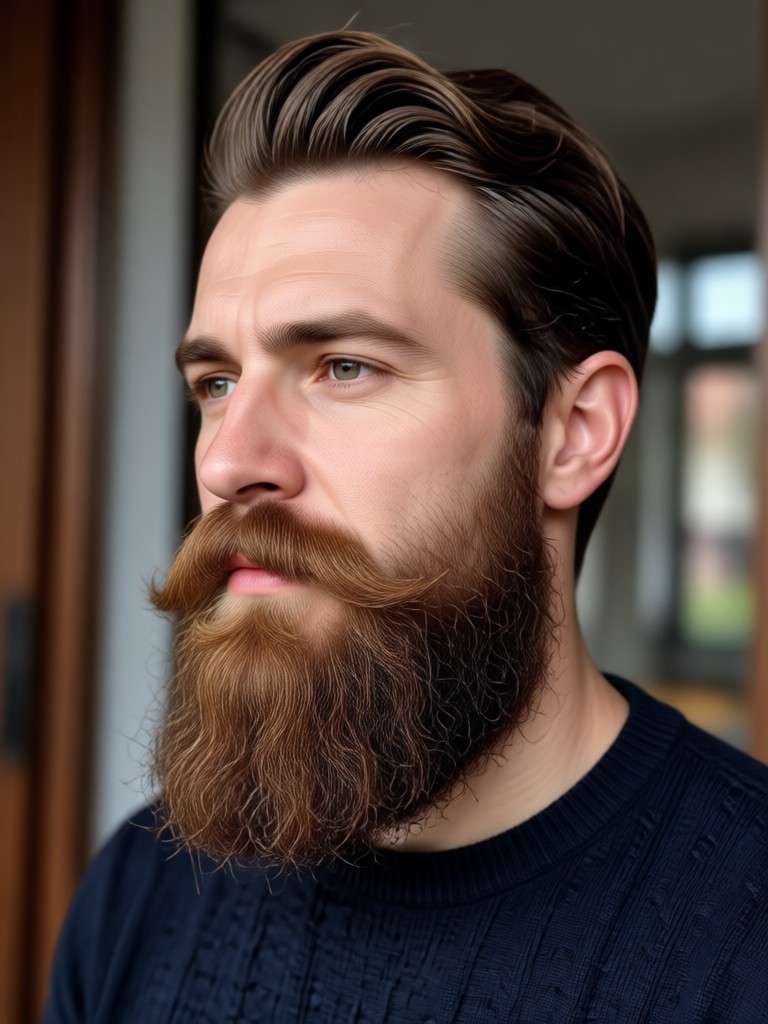
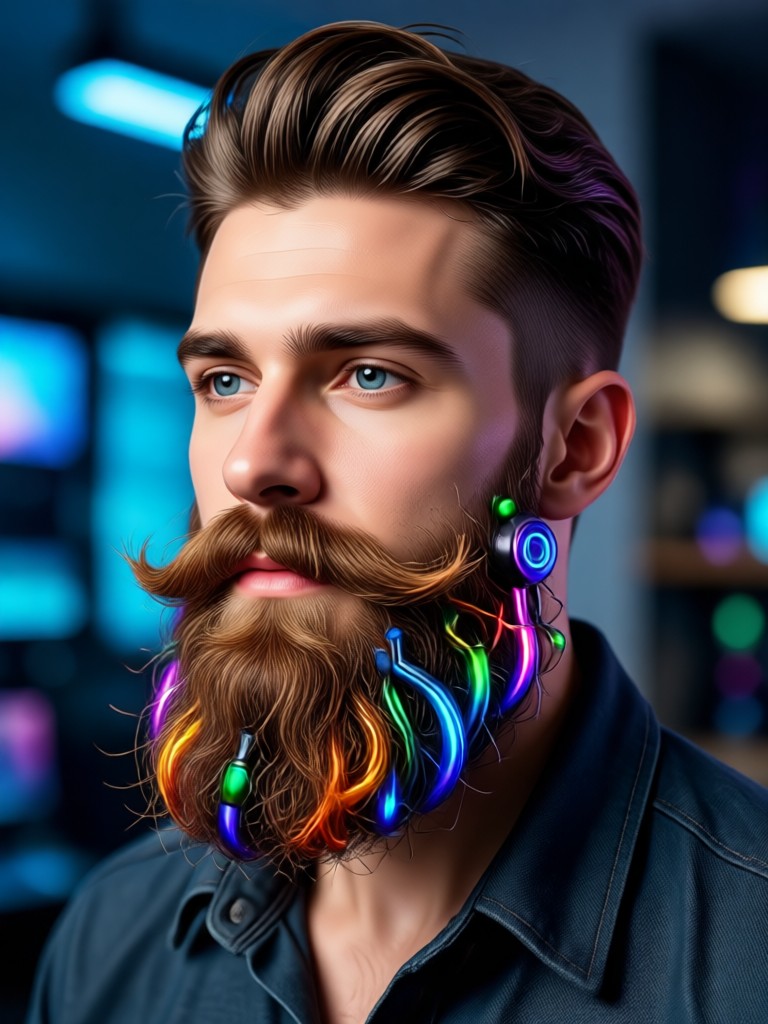
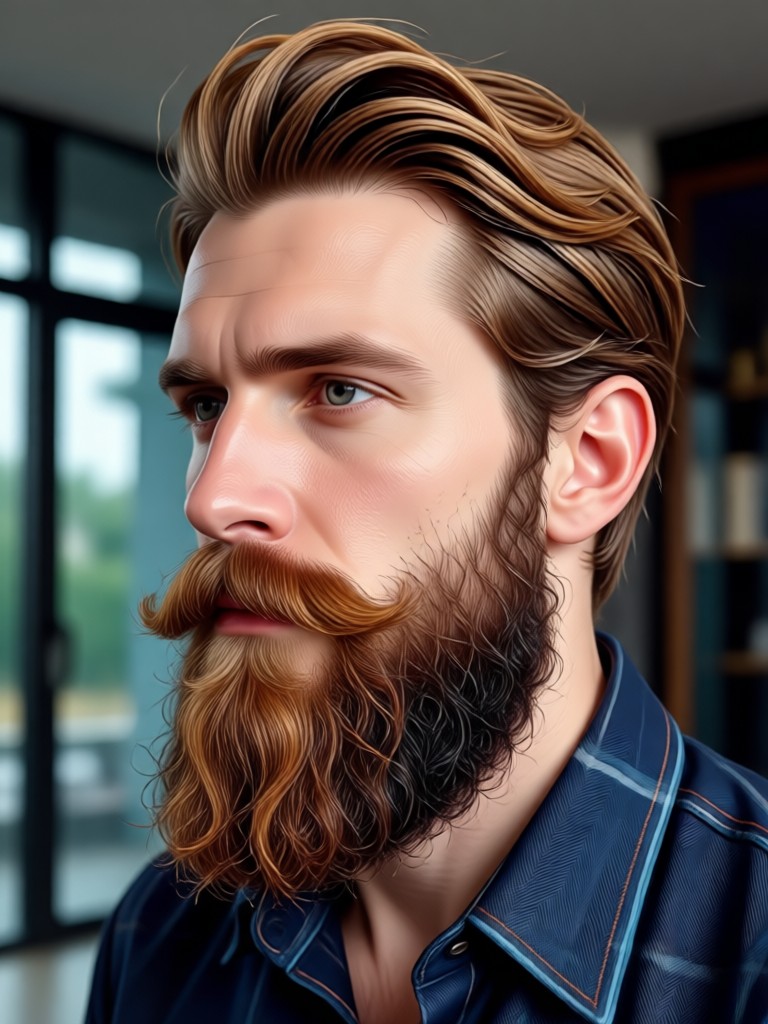
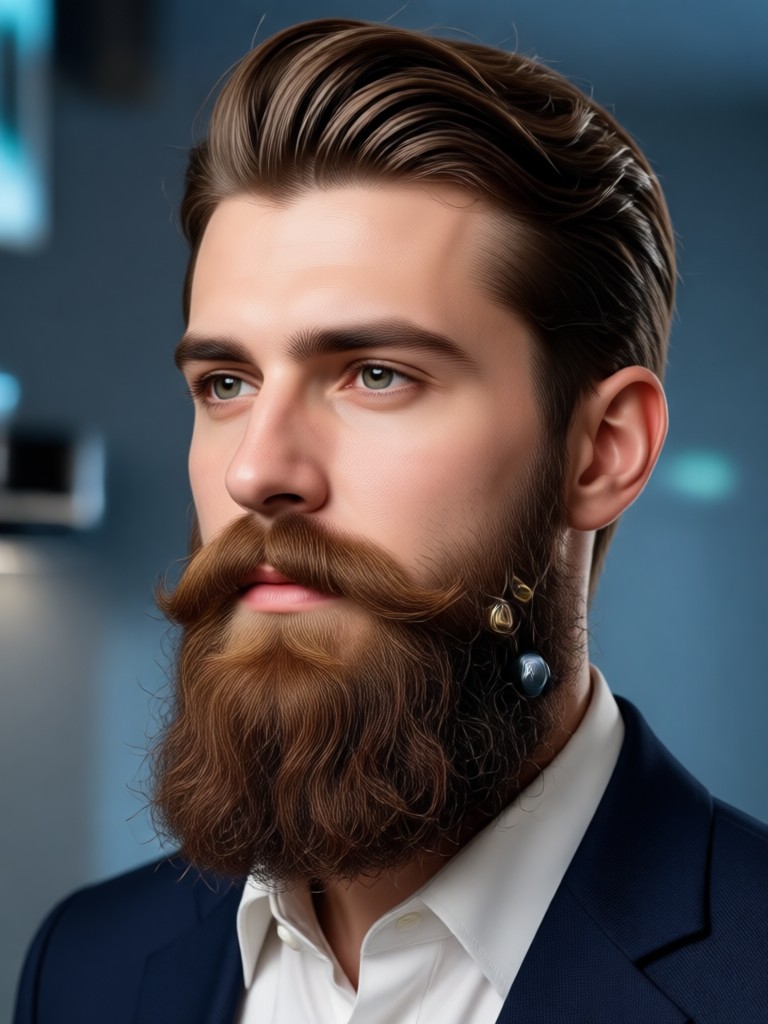
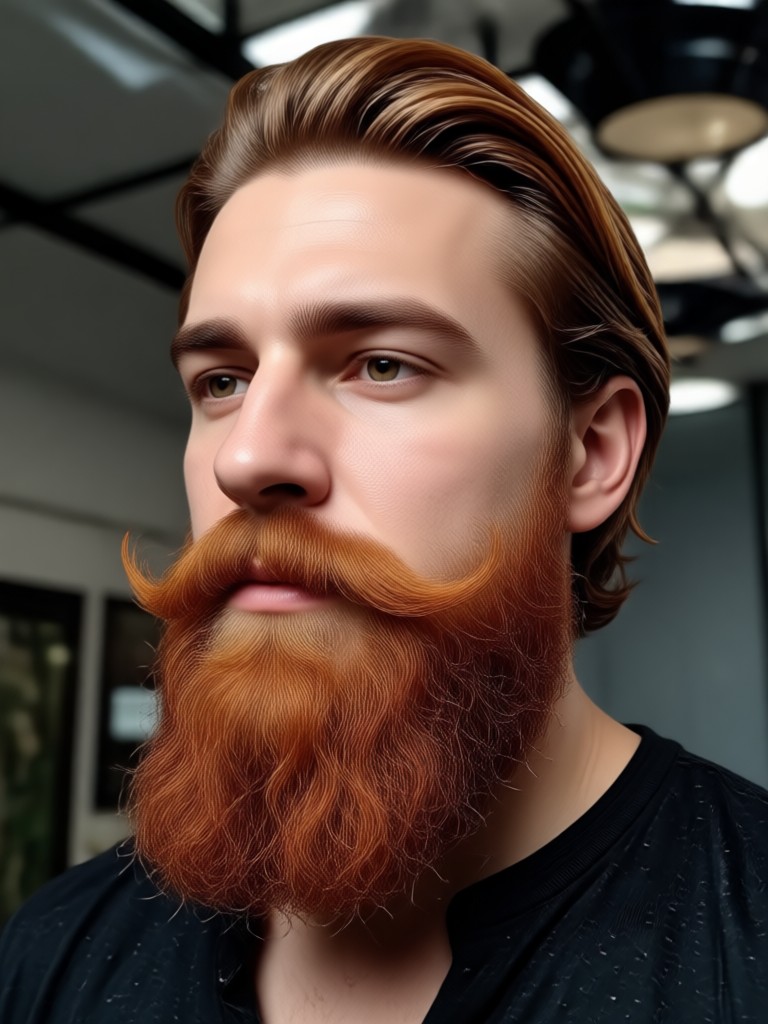
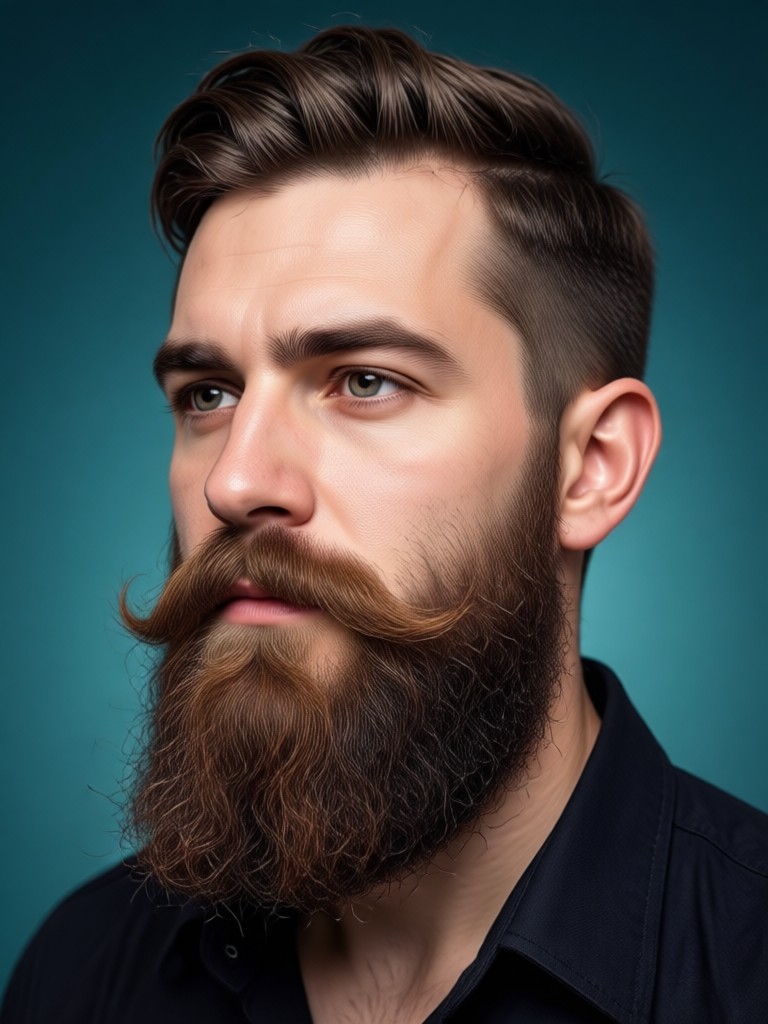
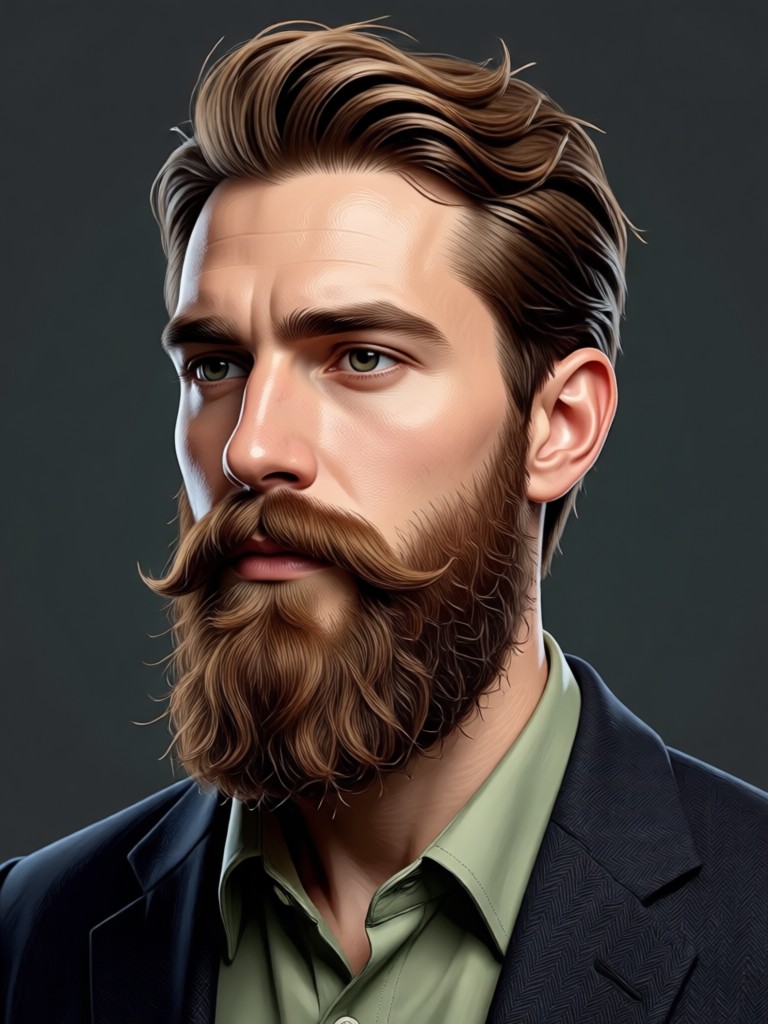
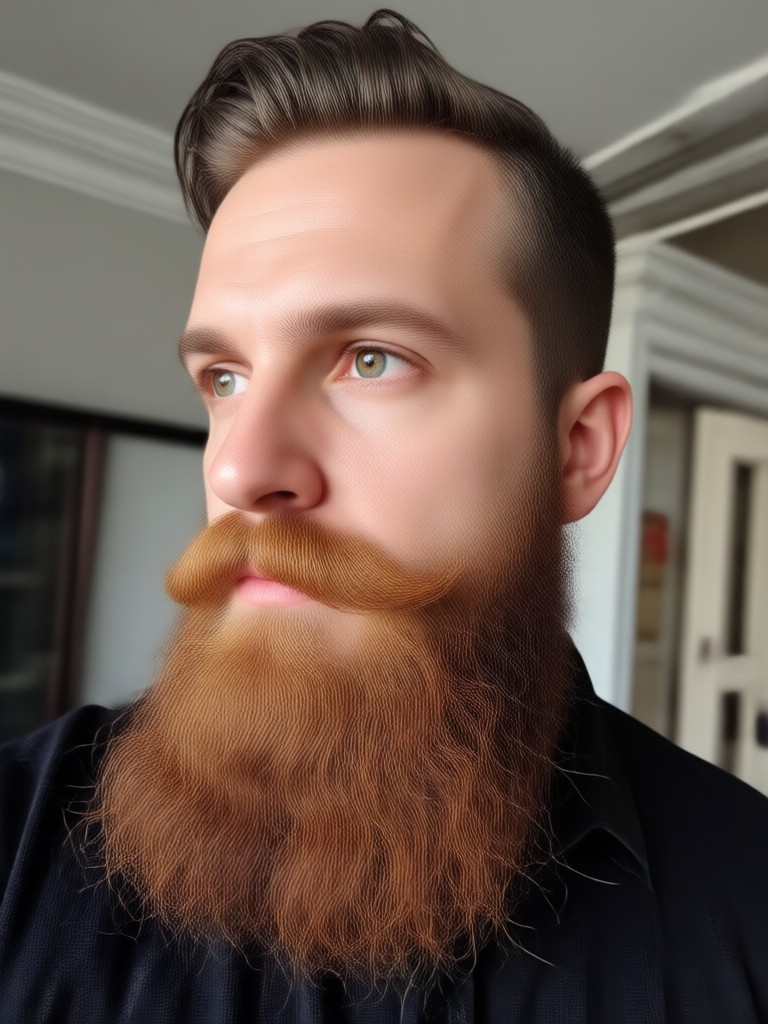
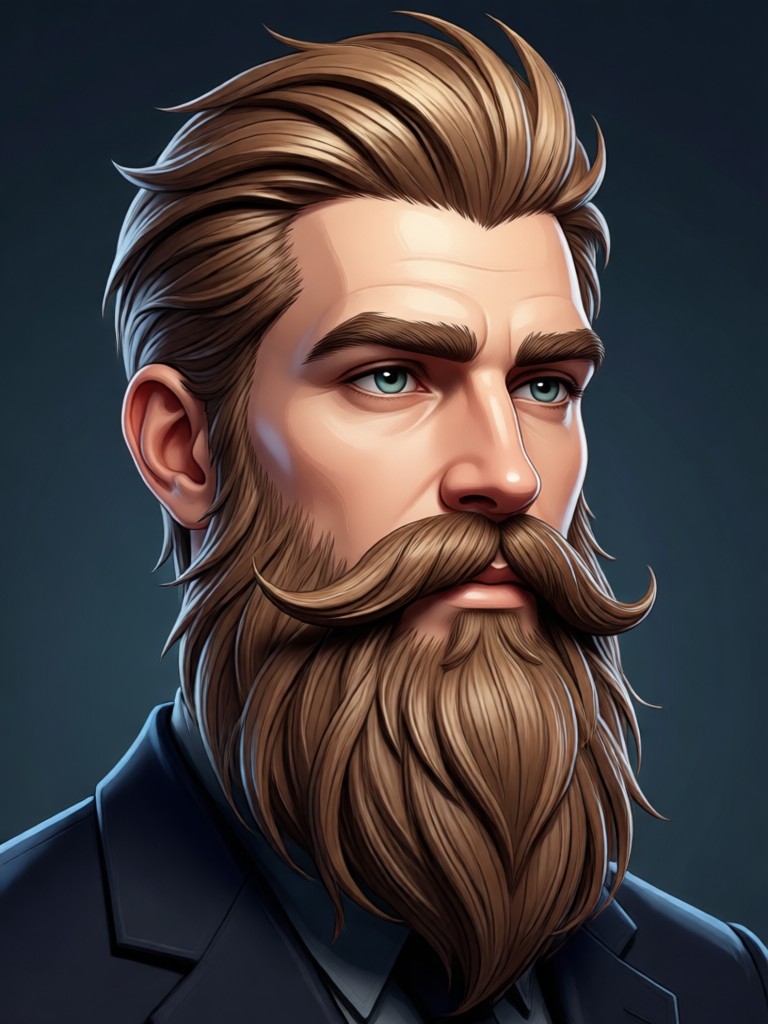
AI Beard Transformations Gallery
See the incredible results our community is creating. These photos show how AI can add everything from light stubble to impressive full beards with perfect realism.
How to Add a Beard to My Photo?
Adding a realistic beard to your photo takes less than a minute with our app. Follow these three simple steps to see your new look.

Step 01.
Download the free FrameLux app from the Google Play Store. This is your all-in-one tool for AI photo transformations, including our powerful beard generator.

Step 02.
Open the app and select the 'AI Beard' filter category. Browse through our vast library and select the beard style you want to try on your photo.

Step 03.
Upload or take a clear, front-facing photo. The AI will instantly apply the selected beard. Adjust settings if needed, then save and share your transformed image.
See What Users Say About Our Beard Generator
Finally an app that gets beards right
I've tried every 'beard filter app' online and they all looked fake. This AI actually understands facial contours. The beard it added looks like it's part of my skin, not a sticker. Used it to preview a beard before growing one.
Perfect for my character design
As a digital artist, I use this to quickly visualize different beard styles on character models. It saves me hours of manual painting. The variety of styles, from Viking braids to neat corporate beards, is incredible.
Made my profile picture stand out
I wanted a more mature look for my professional profiles but wasn't ready to commit to growing a beard. This 'beard filter online' tool let me try a sophisticated goatee. The result was so convincing my colleagues asked when I grew it.
AI Beard Generator FAQs
Get answers to the most common questions about using our AI tool to add a beard to your photo. Learn how it works, what makes it realistic, and how to get the best results.
More Topics You May Like
Explore more topics you may like and discover fresh ideas tailored to your interests.
See Your Face with the Perfect Beard
Stop wondering. Start creating. Download the free FrameLux app now and use the most advanced AI Beard Generator to visualize your new look in seconds.
See Your Face with the Perfect Beard
Stop wondering. Start creating. Download the free FrameLux app now and use the most advanced AI Beard Generator to visualize your new look in seconds.