AI Jewelry Photo Editor
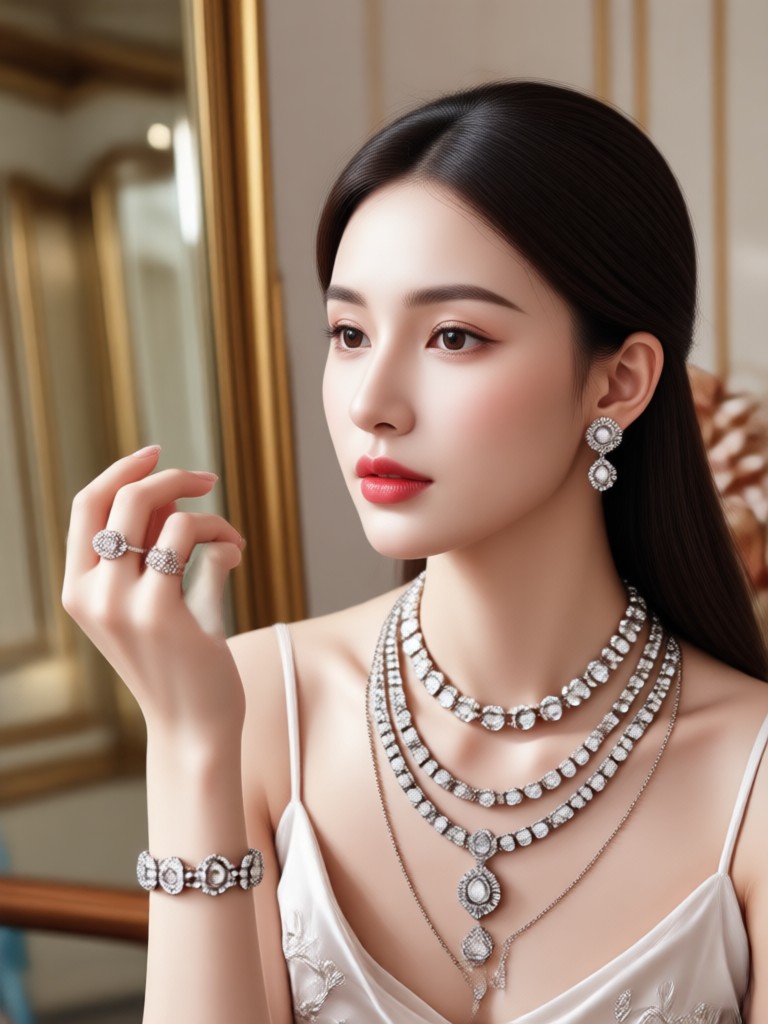
Perfect AI Styles for Every Jewelry Piece
From diamond brilliance to vintage gold tones, find the ideal AI style to make your jewelry sparkle.
Key Features of AI Jewelry Photo Editor
Our specialized AI tools are designed to address the unique challenges of jewelry photography, delivering magazine-quality results in seconds.
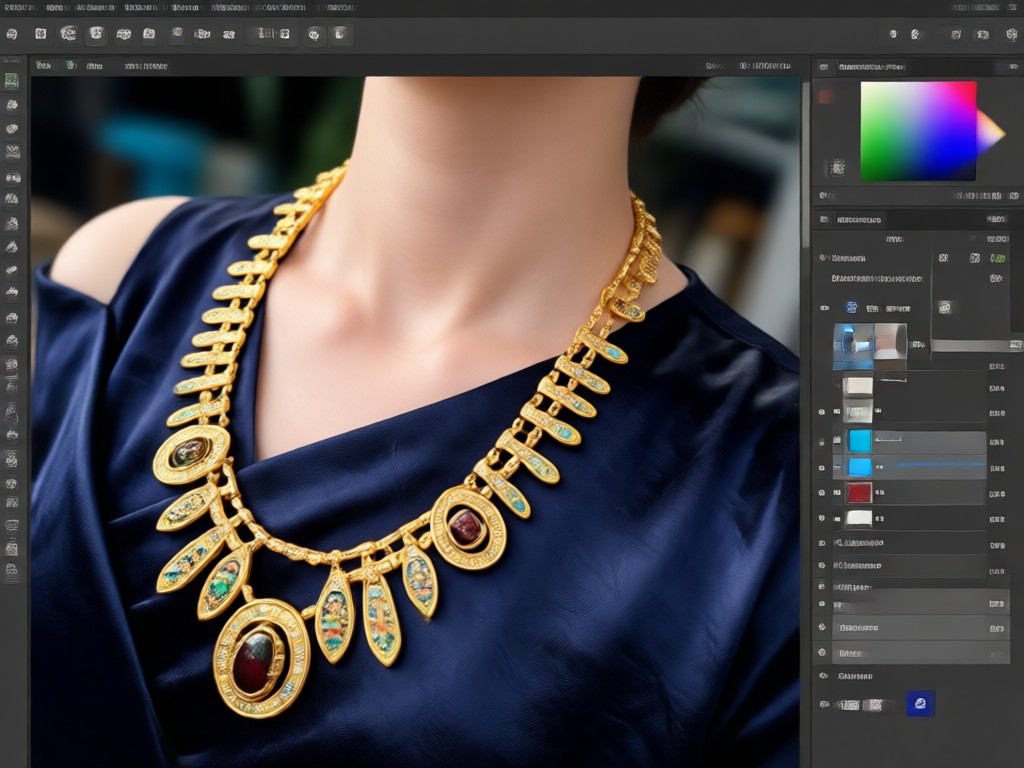
Auto-Enhance & Polish
Instantly corrects exposure, removes dust and smudges, and enhances the natural sparkle and color of gemstones and metals. Get a flawless, professional finish with one tap.
Auto-Enhance & Polish
Instantly corrects exposure, removes dust and smudges, and enhances the natural sparkle and color of gemstones and metals. Get a flawless, professional finish with one tap.
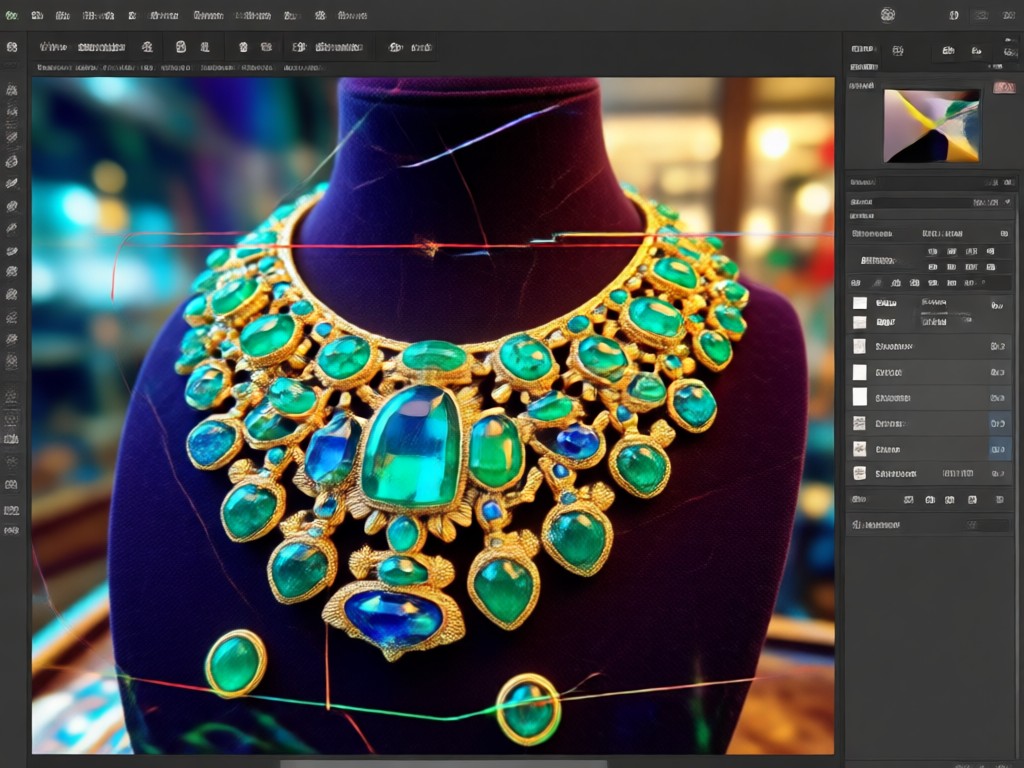
Studio Background Replacement
Replace distracting backgrounds with elegant, professional studio backdrops. Choose from pure white, black velvet, marble, or gradient colors to make your jewelry the sole focus.
Studio Background Replacement
Replace distracting backgrounds with elegant, professional studio backdrops. Choose from pure white, black velvet, marble, or gradient colors to make your jewelry the sole focus.
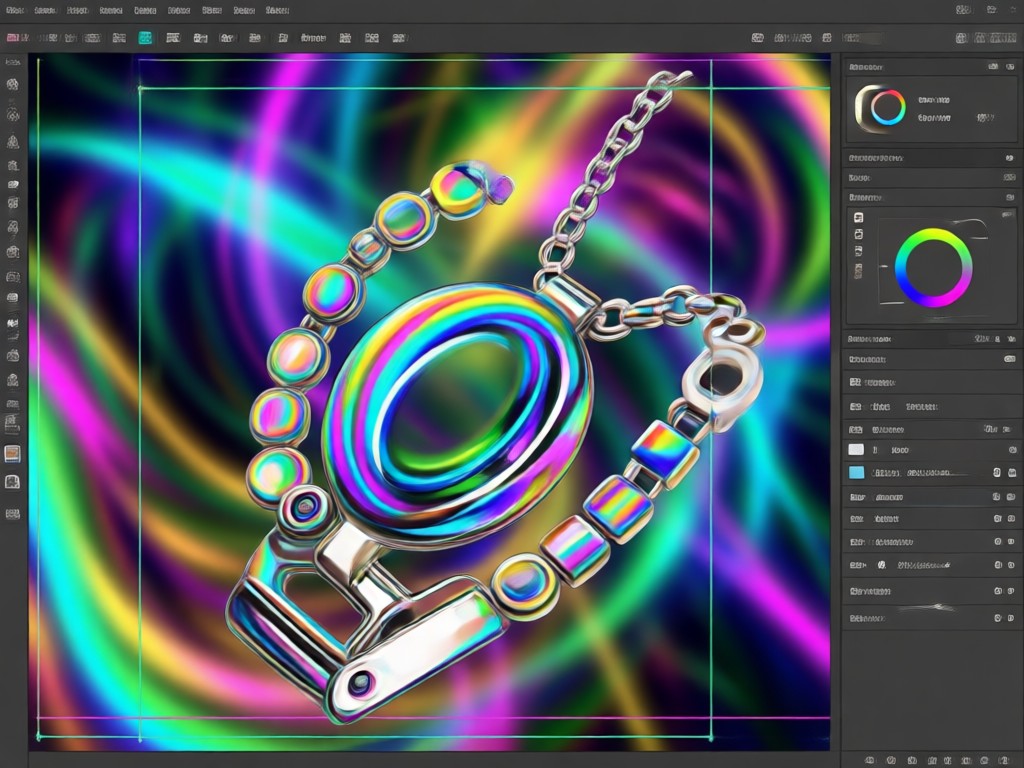
Artistic Style Transfer
Transform your standard product shots into works of art. Apply styles like watercolor elegance, metallic CGI, vintage engraving, or modern minimalist to create unique brand visuals.
Artistic Style Transfer
Transform your standard product shots into works of art. Apply styles like watercolor elegance, metallic CGI, vintage engraving, or modern minimalist to create unique brand visuals.
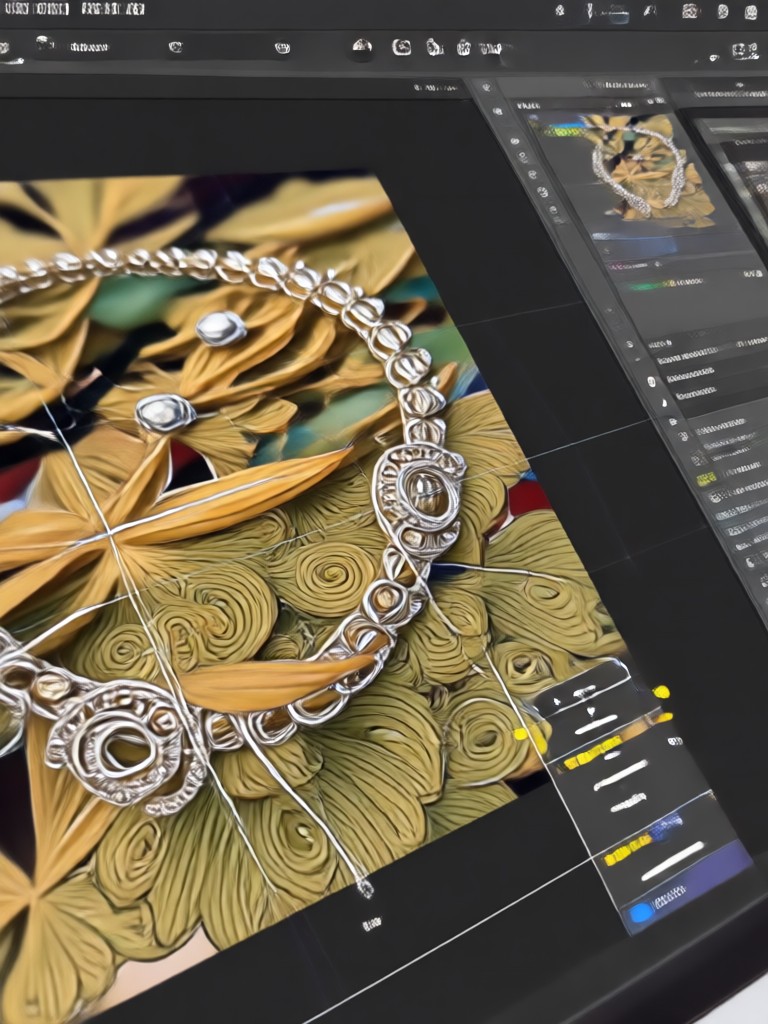
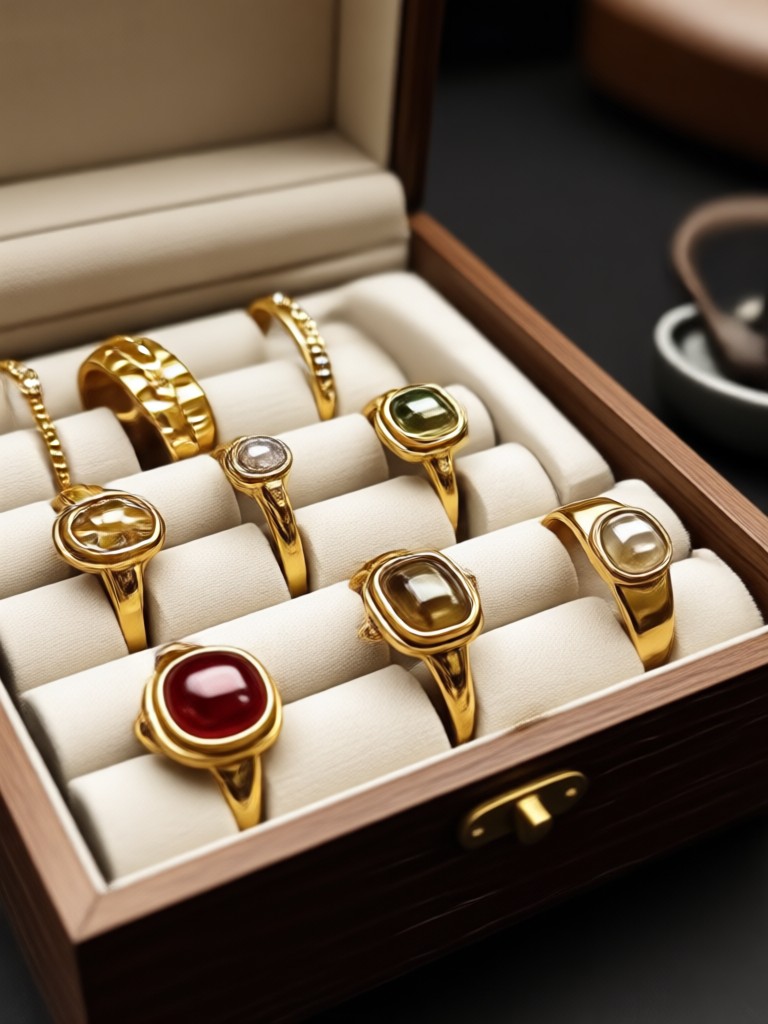
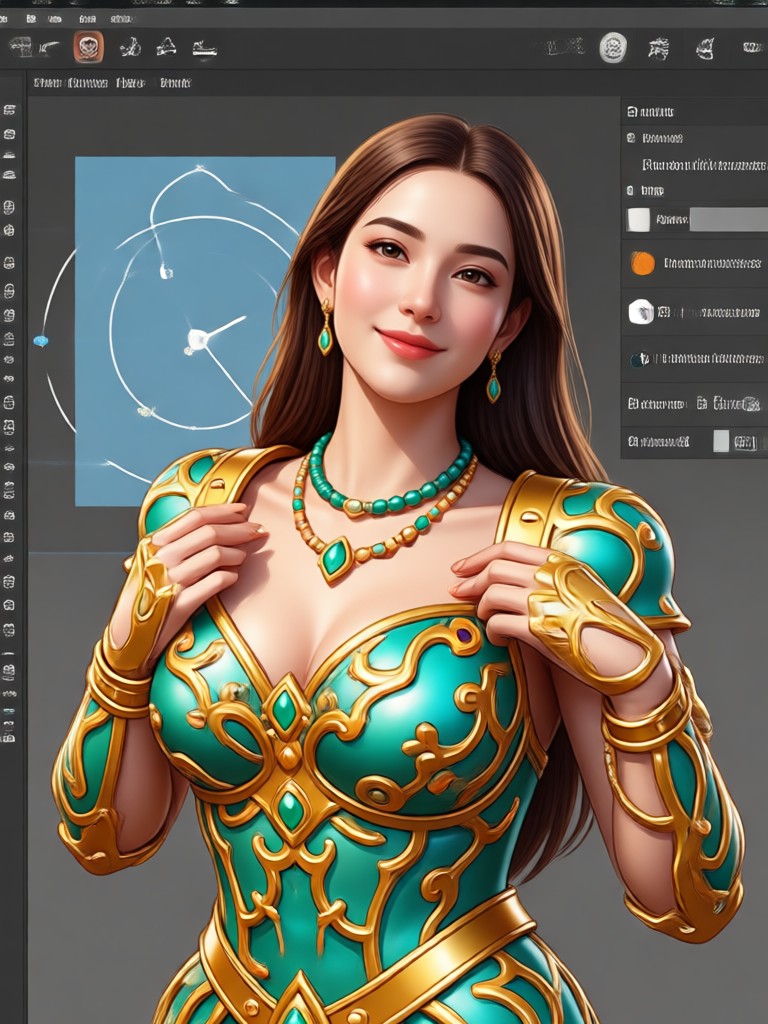
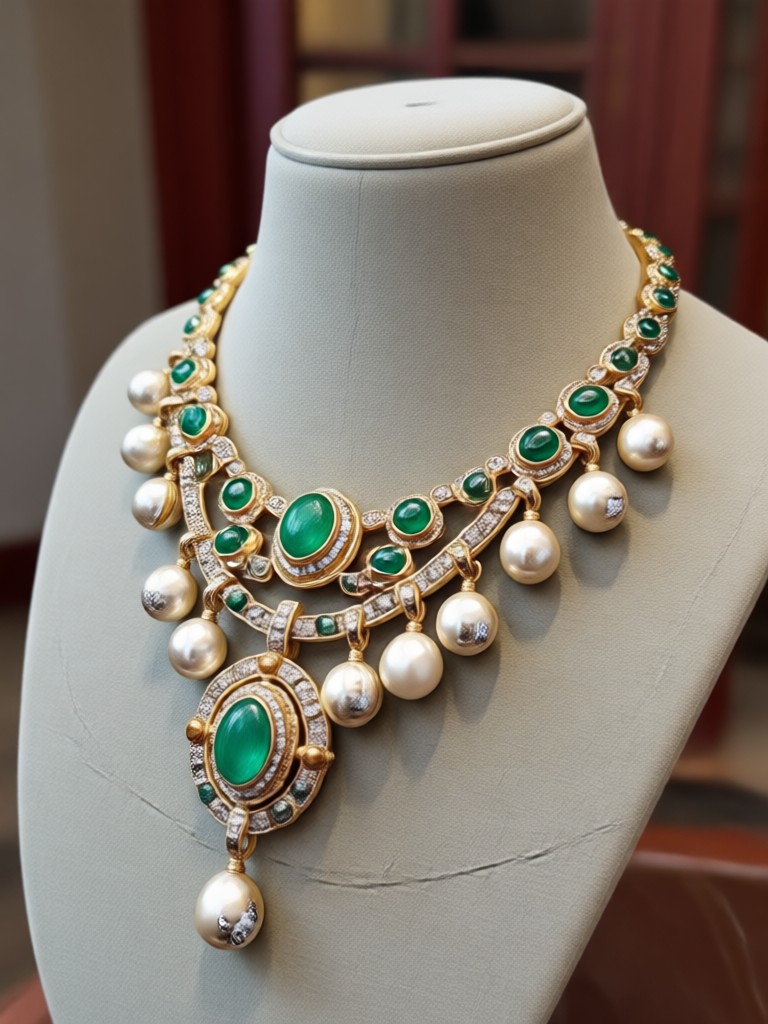
AI Jewelry Editing Styles Gallery
Explore different AI-enhanced styles you can apply to your jewelry photos for e-commerce, social media, or marketing.
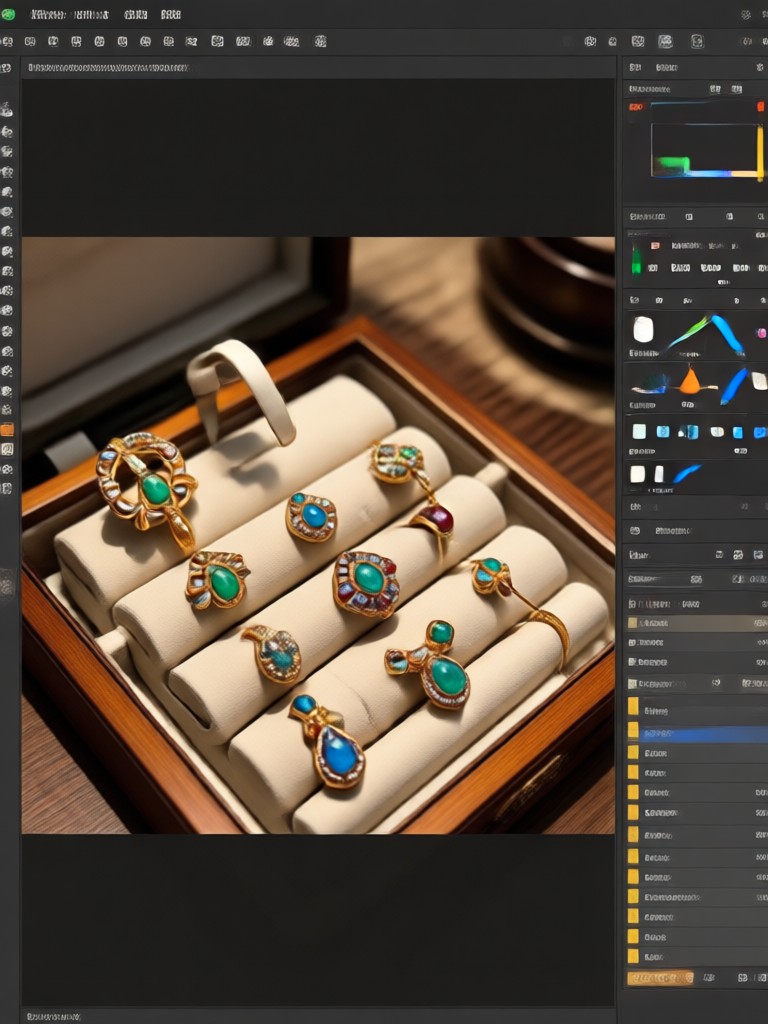
Why Choose AI for Jewelry Photography?
Traditional jewelry editing is time-consuming and requires expert skills. AI delivers perfection instantly.
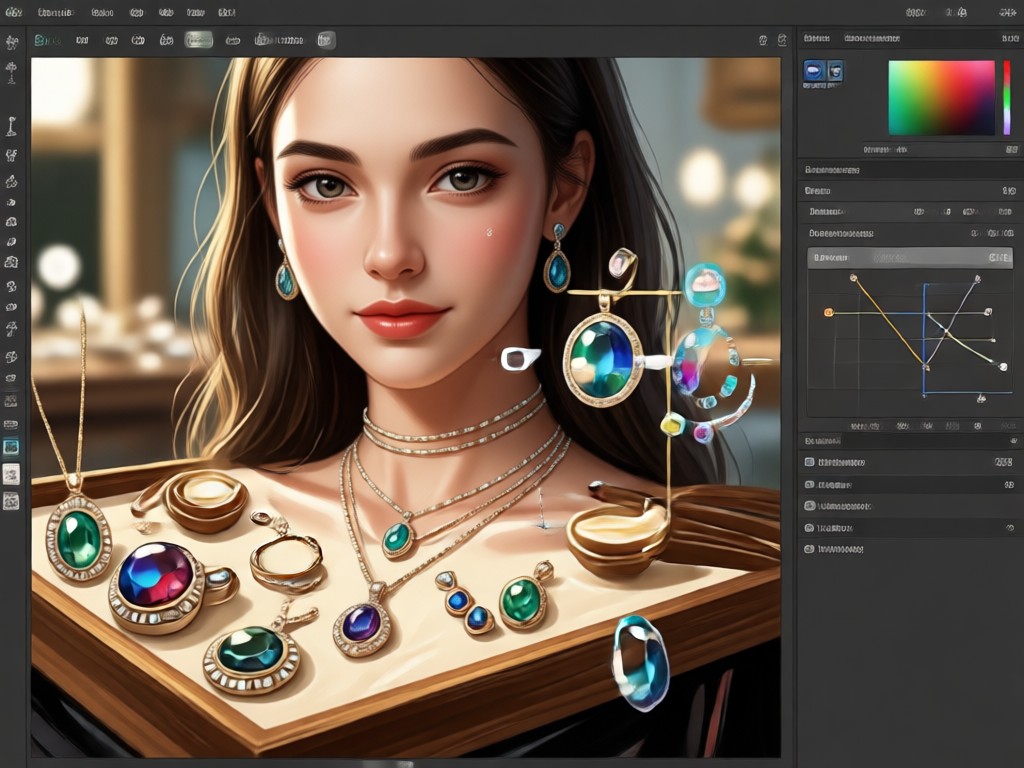
Save Time, Increase Sales
Manual retouching of jewelry to remove reflections, sharpen intricate details, and perfect colors can take hours. Our AI Jewelry Photo Editor accomplishes this in seconds, allowing jewelers, e-commerce sellers, and content creators to process large catalogs quickly. High-quality images directly influence customer trust and conversion rates, making professional editing not just an aesthetic choice, but a critical business tool.
Save Time, Increase Sales
Manual retouching of jewelry to remove reflections, sharpen intricate details, and perfect colors can take hours. Our AI Jewelry Photo Editor accomplishes this in seconds, allowing jewelers, e-commerce sellers, and content creators to process large catalogs quickly. High-quality images directly influence customer trust and conversion rates, making professional editing not just an aesthetic choice, but a critical business tool.
How to Edit Jewelry with AI?
Create stunning, professional-grade jewelry photos in just three simple steps using the framelux app.

Step 01.
Download the framelux app from Google Play to access the AI Jewelry Photo Editor on your mobile device.
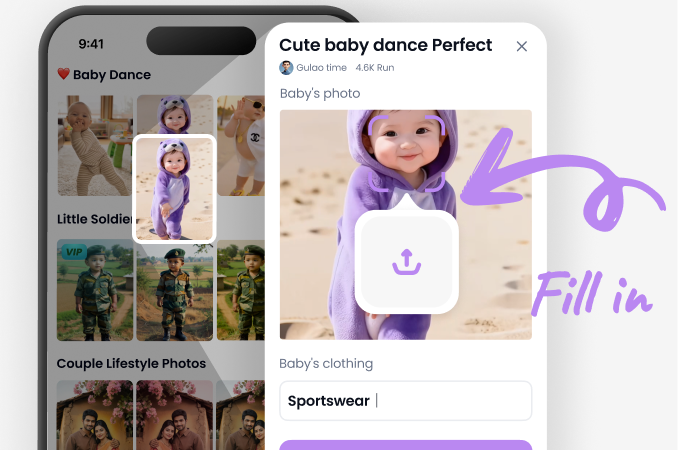
Step 02.
Upload your jewelry photo and select from specialized AI filters like 'Gem Enhance', 'Studio Clean', or 'Artistic Render'.
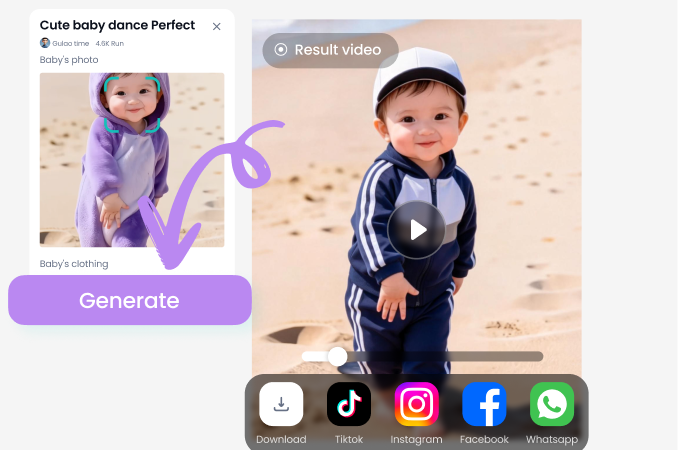
Step 03.
Generate your enhanced image, make final adjustments if needed, and download the high-resolution file ready for your store or social media.
Trusted by Jewelry Professionals & Sellers
Transformed my E-commerce listings overnight
As a small online jewelry store, I struggled with photo quality. This AI editor gave my entire catalog a uniform, high-end look. My conversion rate increased by 30% in the first month.
A game-changer for social media content
Creating engaging content for Instagram was time-consuming. Now I take a quick photo, run it through the AI, and have a stunning, share-ready image in under a minute. It's incredibly efficient.
Professional results without the cost
Hiring a product photographer was out of my budget. This tool allows me to present my handmade pieces with the professionalism they deserve. The background removal feature is flawless.
Showcase Every Detail with AI
From the facet of a diamond to the weave of a bracelet, our AI enhances every minute detail. It intelligently sharpens edges, amplifies sparkle, and brings out the true color and texture of metals and gemstones, creating images that are both accurate and breathtaking.
Jewelry Photo Editing FAQs
Get answers to common questions about using AI to edit and enhance your jewelry photography.
More Topics You May Like
Explore more topics you may like and discover fresh ideas tailored to your interests.
Meet Your Younger Self: AI-Powered Virtual Hug Generator
Warm Up Your Vibe: Instant Warm Selfie Video Filters
Create Timeless Photos: AI Vintage Photo Filter Effects
Anime Filter for Video: Turn Clips into Anime Instantly
Meet Your Younger Self: AI-Powered Virtual Hug Generator
Warm Up Your Vibe: Instant Warm Selfie Video Filters
Create Timeless Photos: AI Vintage Photo Filter Effects
Anime Filter for Video: Turn Clips into Anime Instantly
Elevate Your Jewelry Imagery Today
Stop losing sales to poor photos. Download framelux and let AI transform your jewelry photography into a powerful sales asset in seconds.
Elevate Your Jewelry Imagery Today
Stop losing sales to poor photos. Download framelux and let AI transform your jewelry photography into a powerful sales asset in seconds.