AI Watercolor Portrait Effect
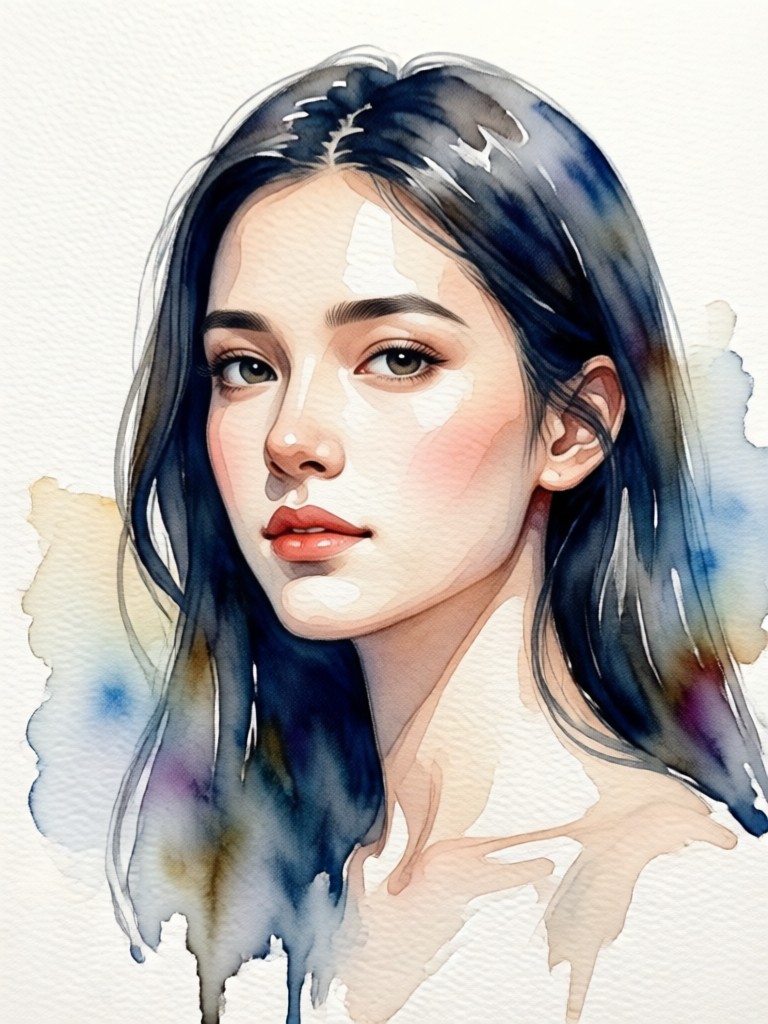
Explore Artistic Portrait Styles
Beyond classic watercolor, discover a full suite of AI art filters to stylize your portraits in countless ways.
Why Choose Our AI Watercolor Portrait Tool
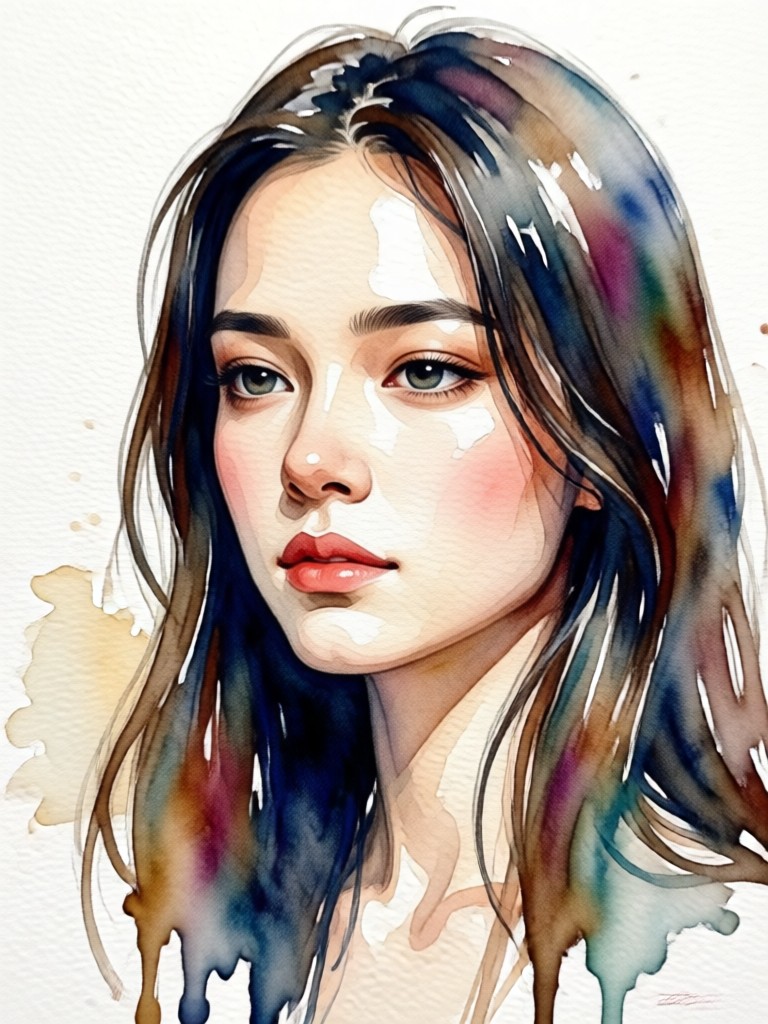
Our technology goes beyond simple filters. We simulate the nuanced techniques of real watercolor painting to give your portraits depth, texture, and soul.
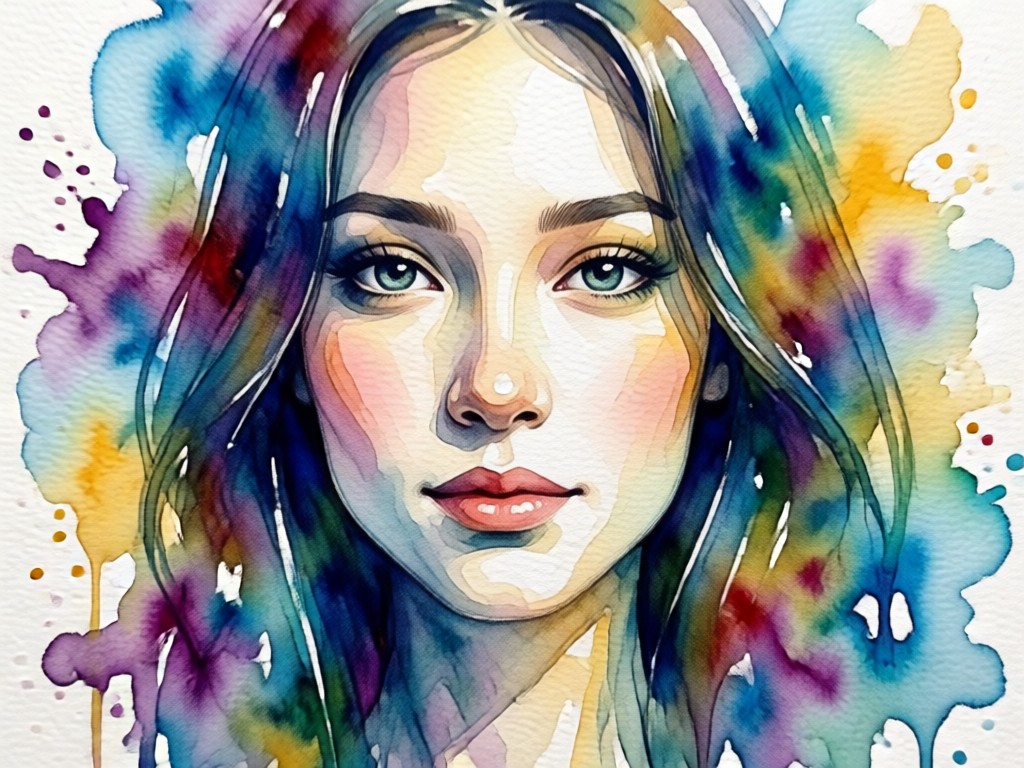
Authentic Brushstroke Simulation
Experience AI that understands art. The effect replicates the fluidity of wet-on-wet techniques, hard edges, and delicate color bleeds for a result that looks painted by hand, not generated by a computer.
Authentic Brushstroke Simulation
Experience AI that understands art. The effect replicates the fluidity of wet-on-wet techniques, hard edges, and delicate color bleeds for a result that looks painted by hand, not generated by a computer.
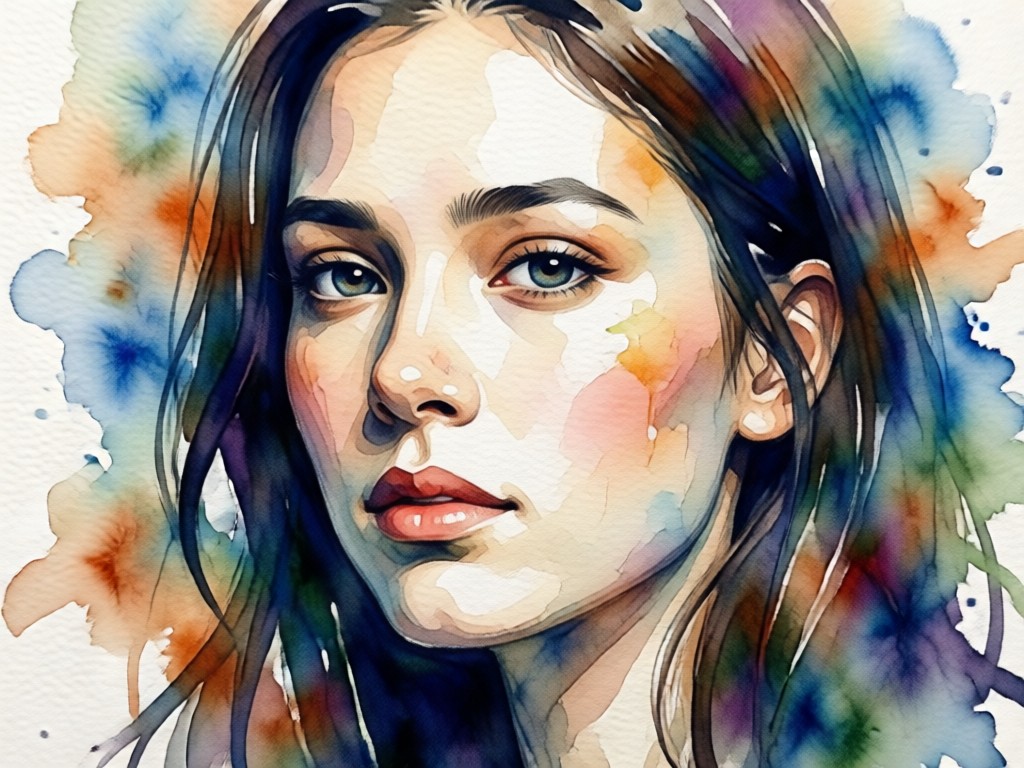
Smart Subject Preservation
The AI intelligently identifies and preserves facial features, expressions, and key details while applying the artistic style. Your portrait remains recognizable and emotionally resonant, just beautifully transformed.
Smart Subject Preservation
The AI intelligently identifies and preserves facial features, expressions, and key details while applying the artistic style. Your portrait remains recognizable and emotionally resonant, just beautifully transformed.
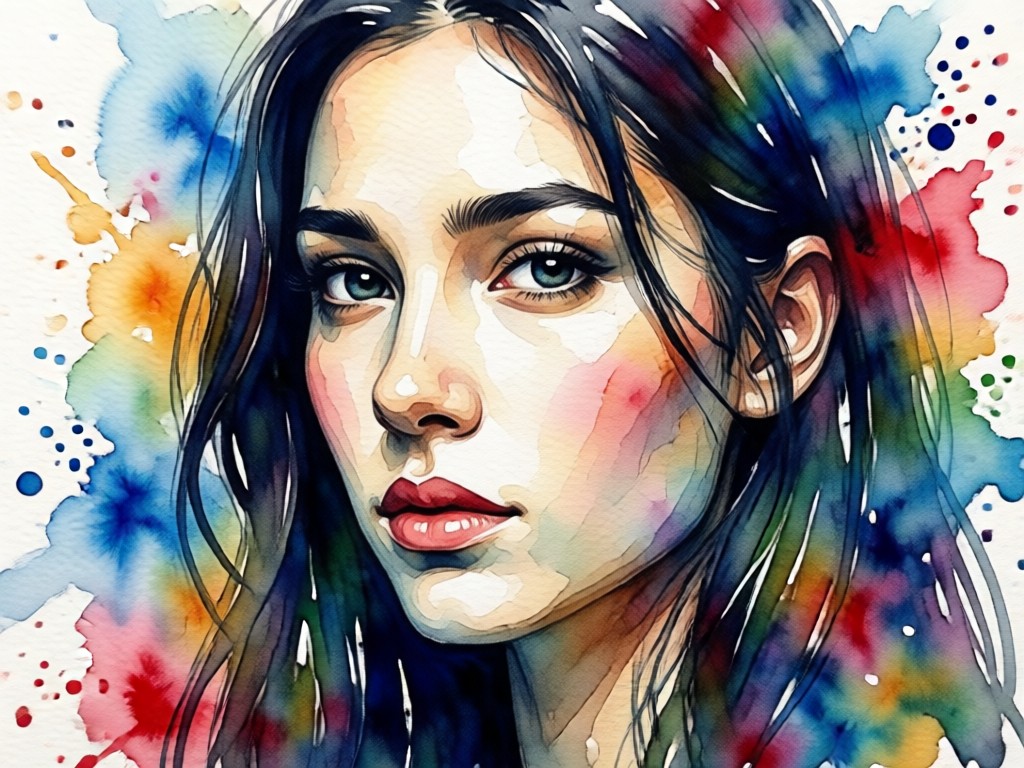
Customizable Artistic Intensity
You are in control. Adjust the strength of the watercolor effect, from a subtle wash of color to a bold, expressive painting. Fine-tune color saturation and detail retention to match your vision.
Customizable Artistic Intensity
You are in control. Adjust the strength of the watercolor effect, from a subtle wash of color to a bold, expressive painting. Fine-tune color saturation and detail retention to match your vision.
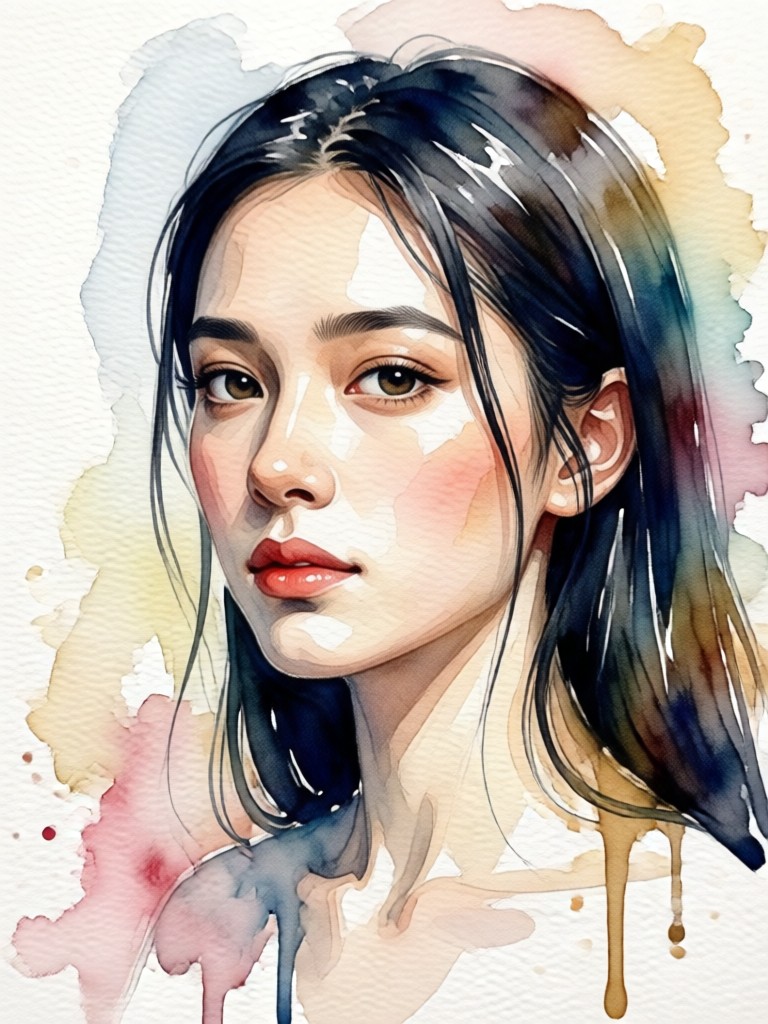
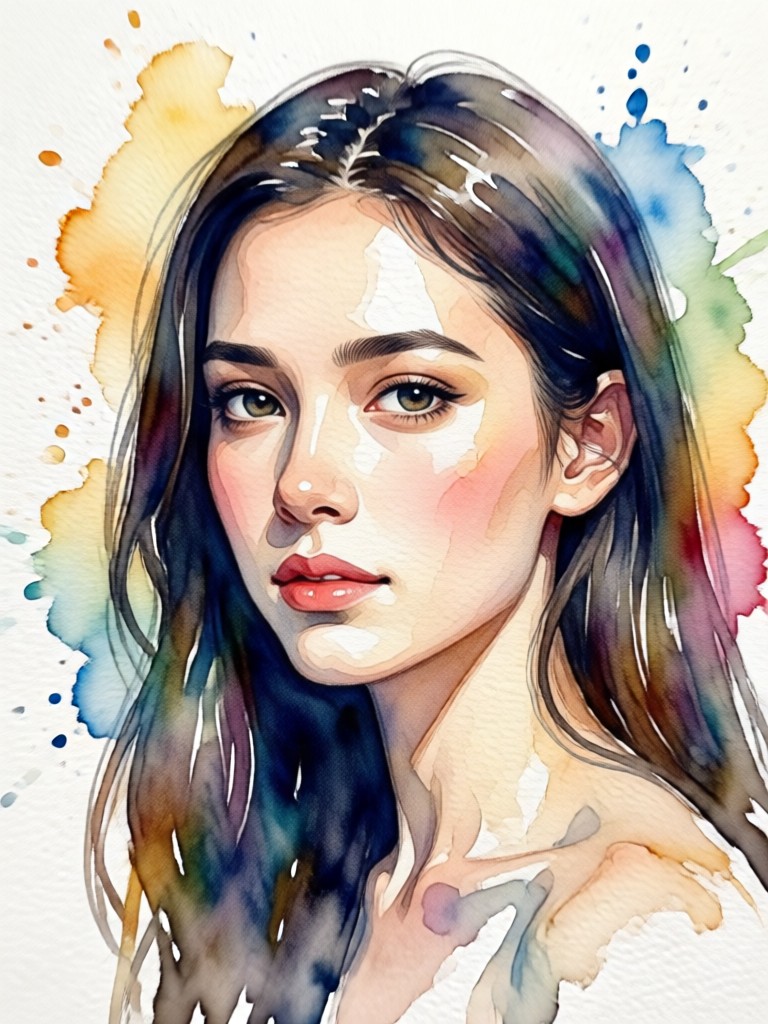
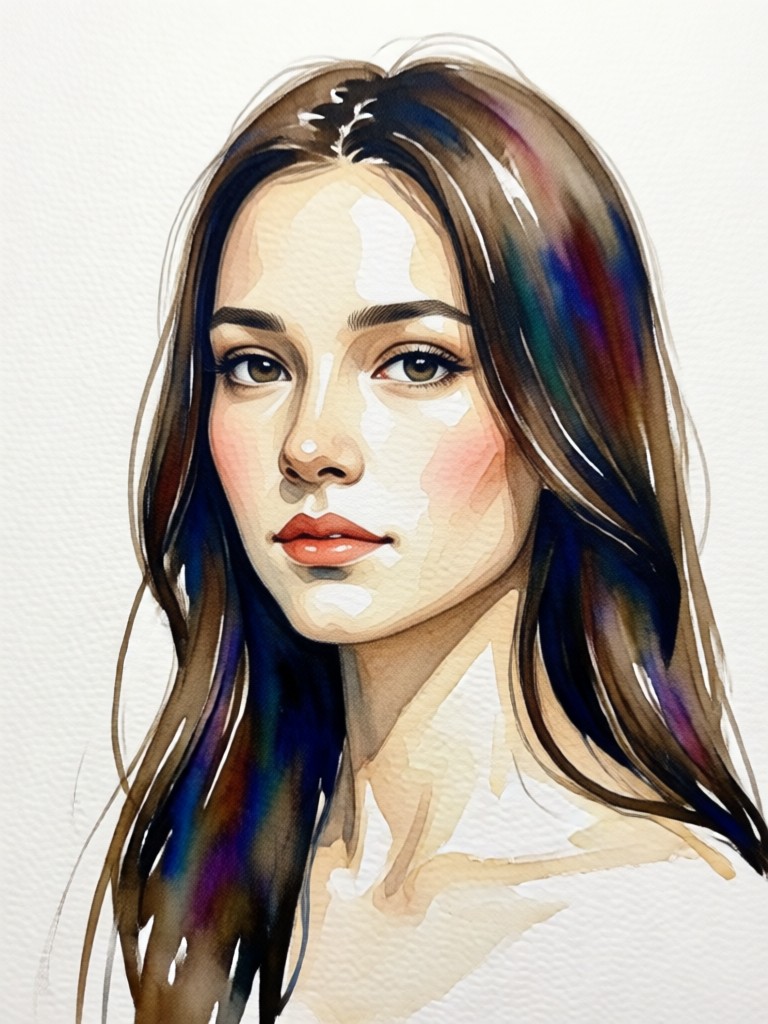
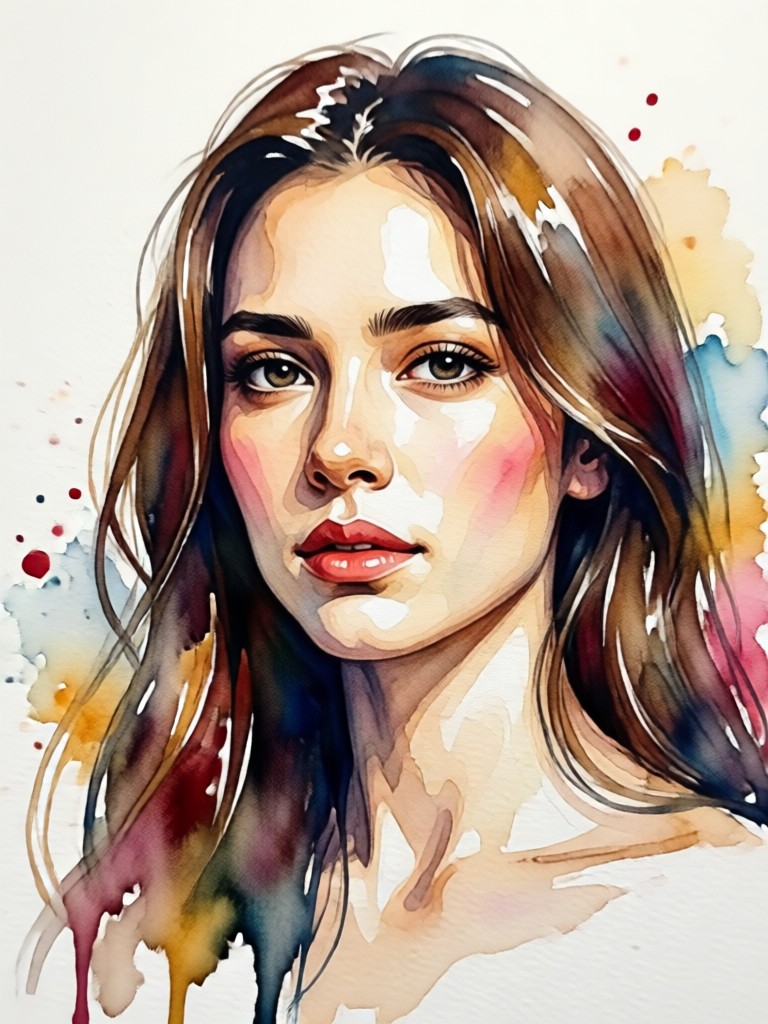
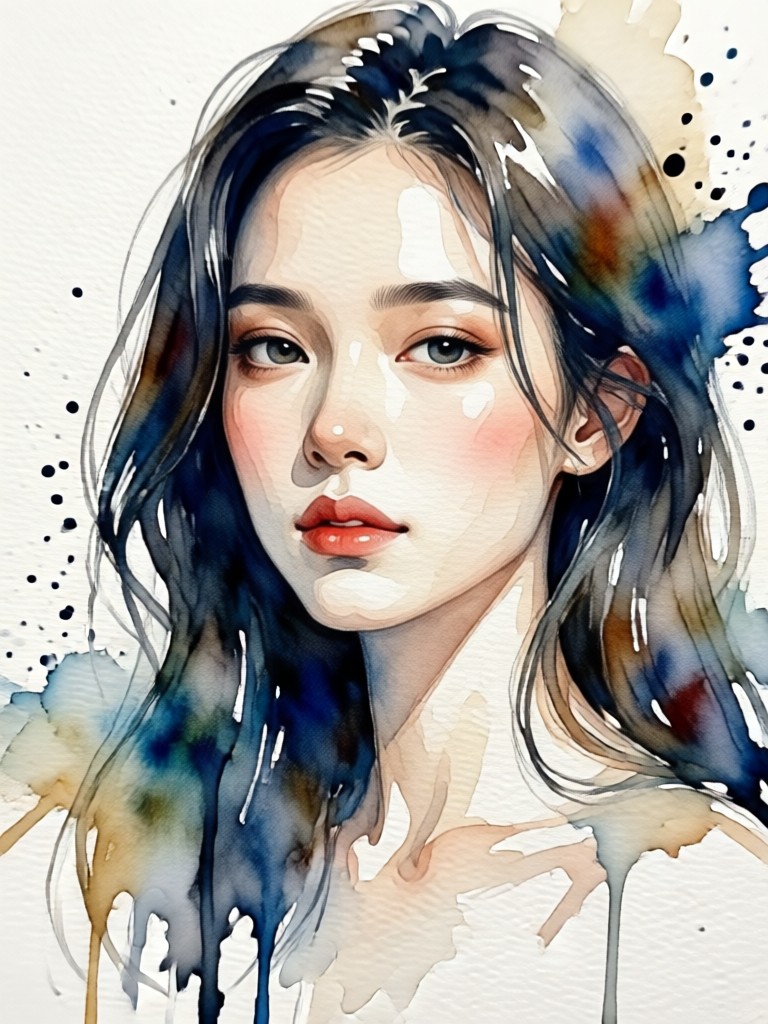
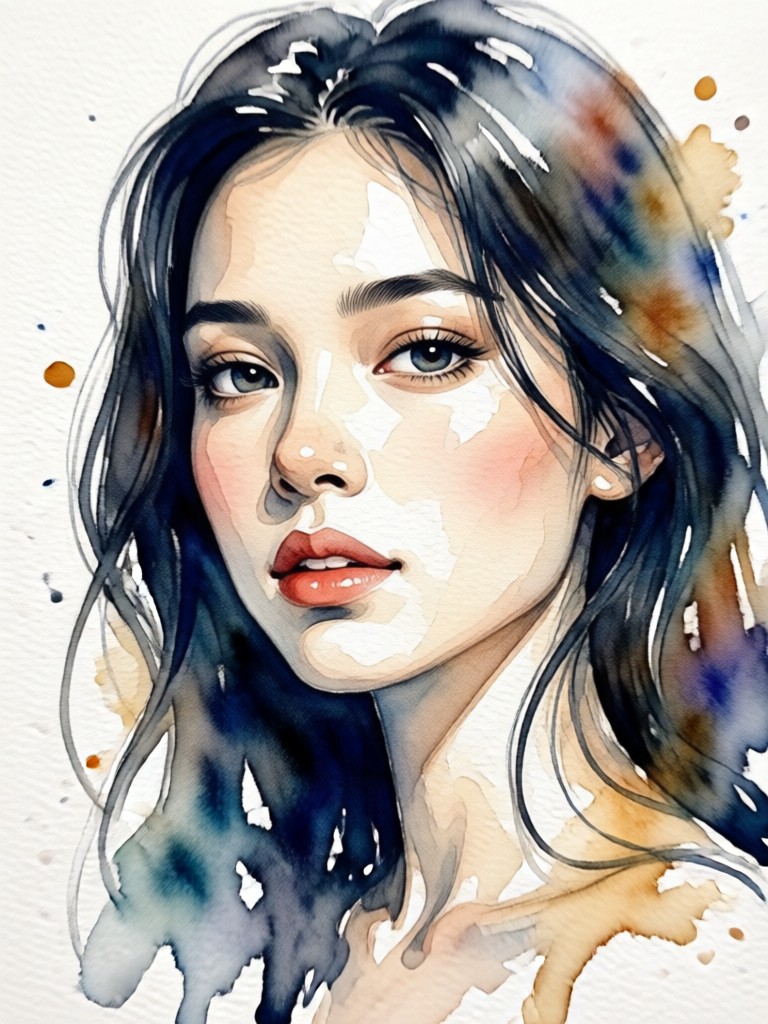
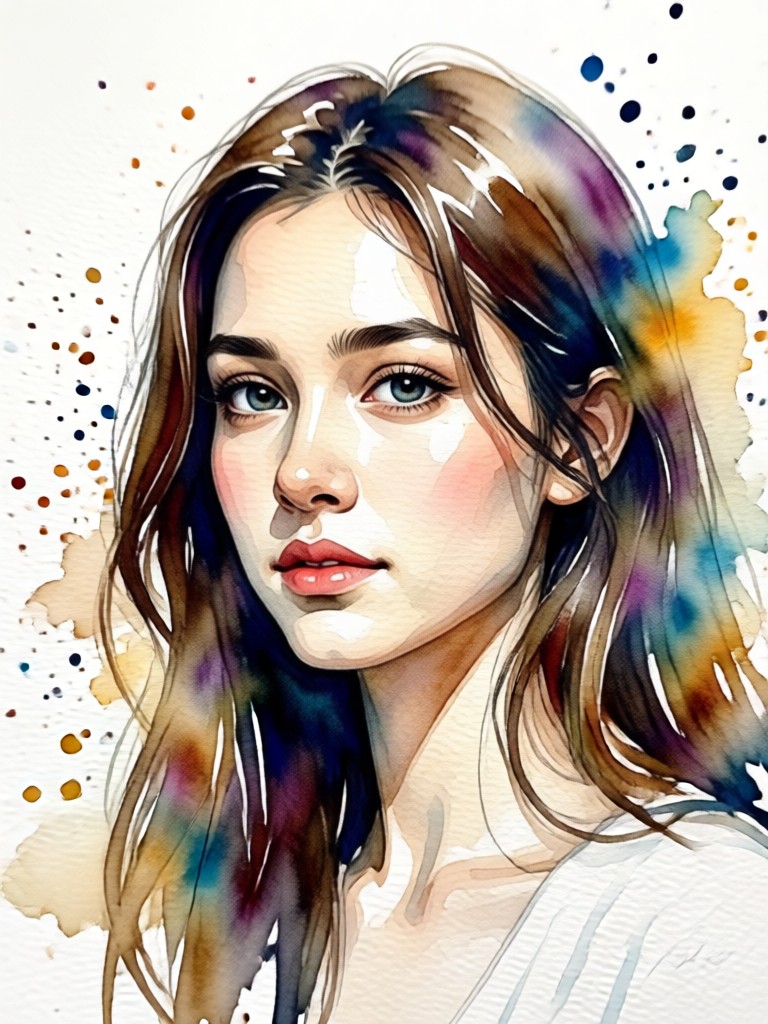
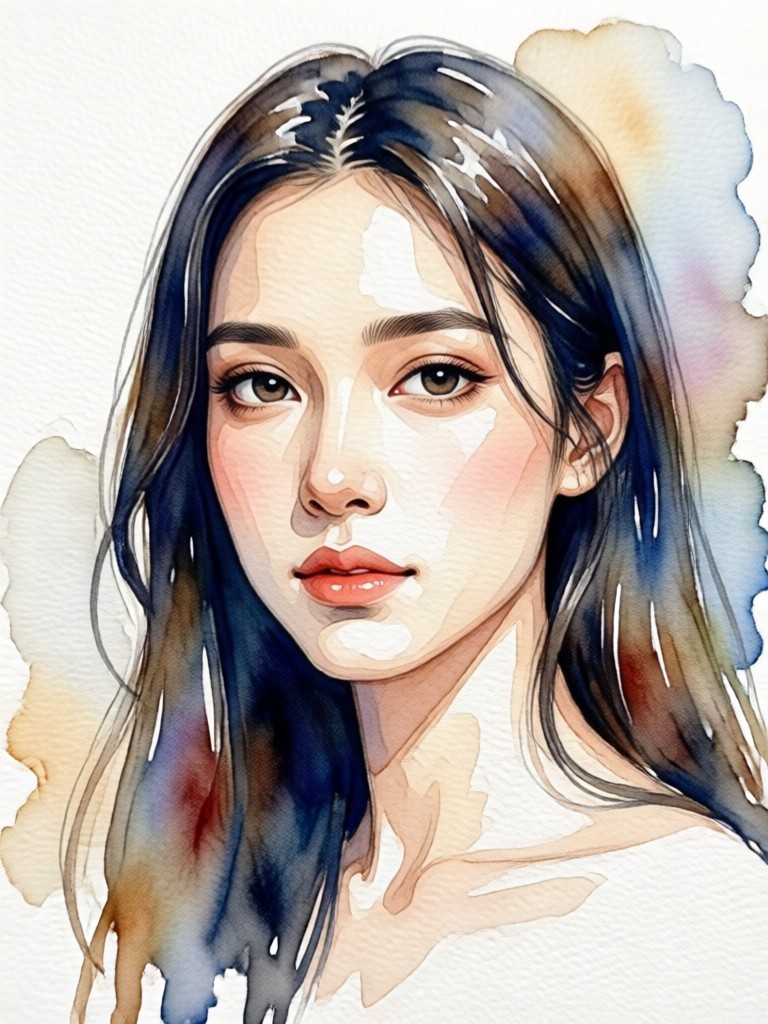
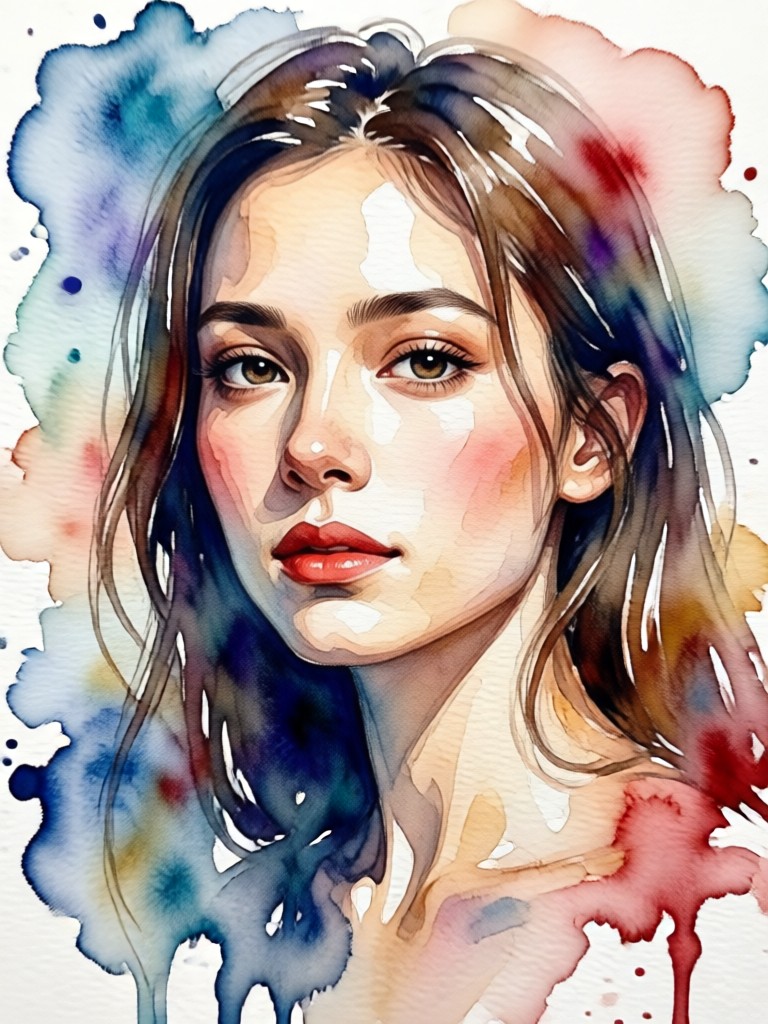
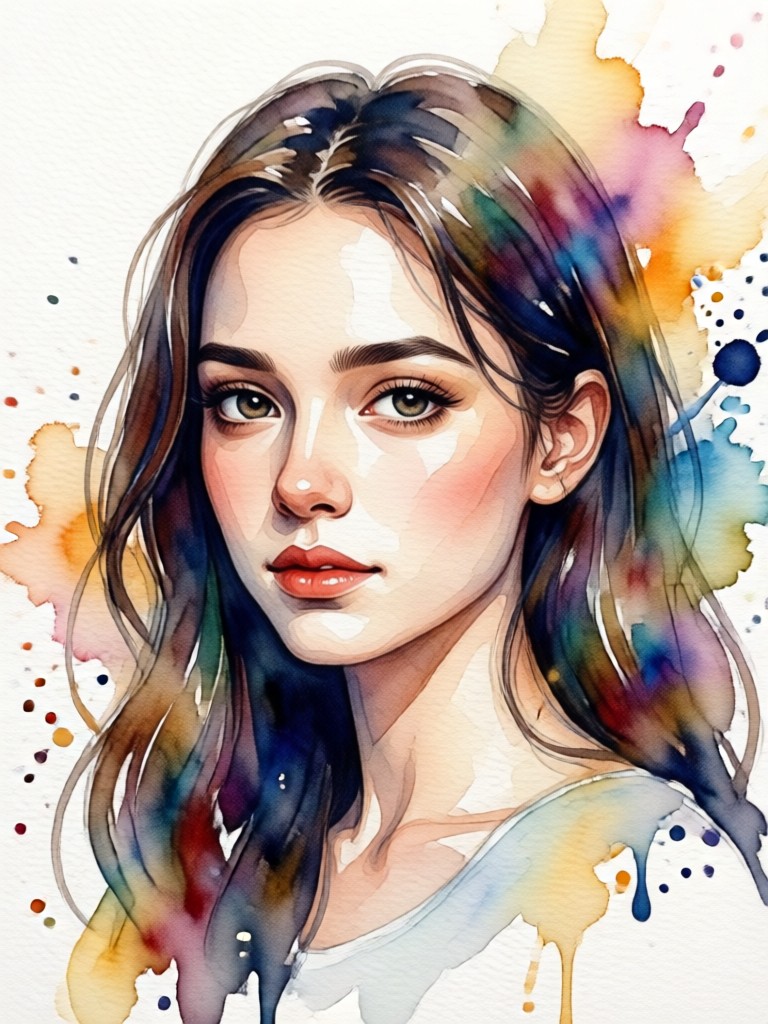
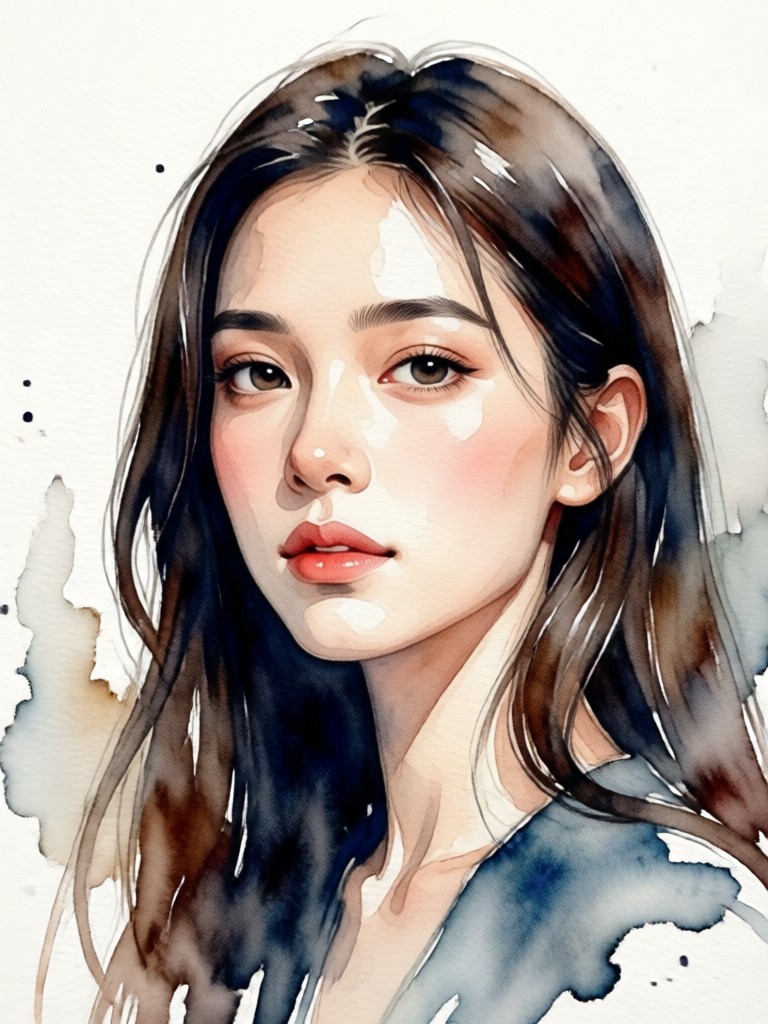
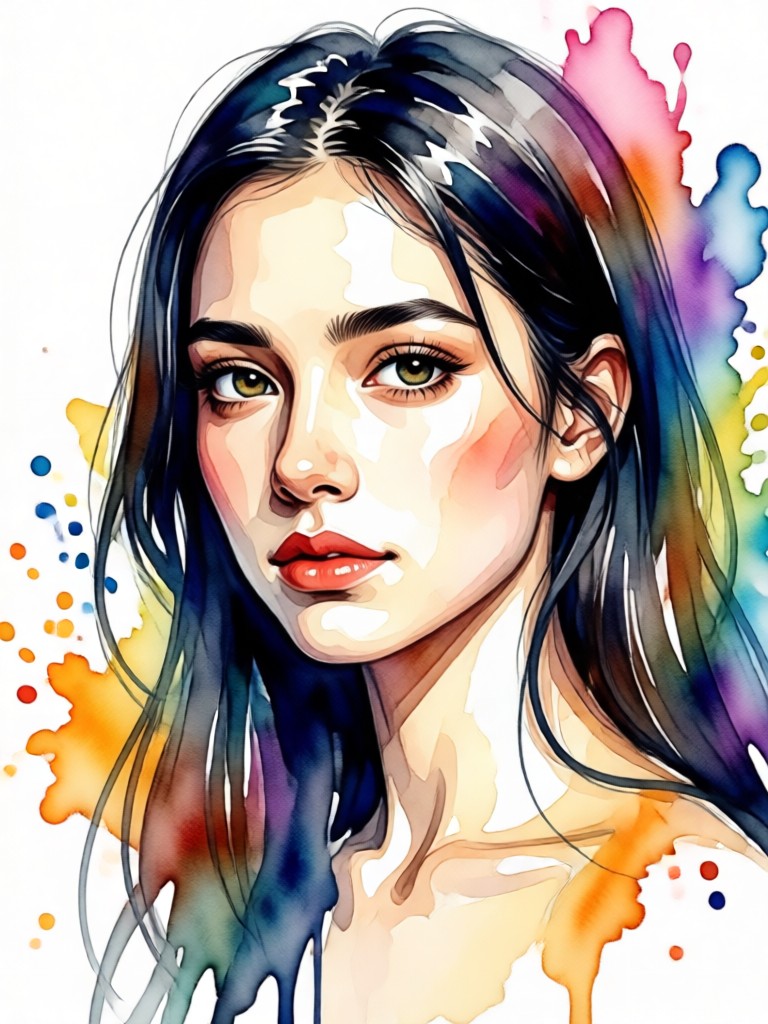
AI Watercolor Portrait Gallery
See how ordinary photos are transformed into extraordinary watercolor art. Browse our community gallery for inspiration and witness the versatility of the AI effect on different subjects and styles.
How to Create an AI Watercolor Portrait in 3 Steps
Transform any photo into a beautiful watercolor masterpiece in less than a minute. No design experience or expensive software is needed.

Step 01.
Download the FrameLux app from the Google Play Store. It's your all-in-one mobile studio for AI art creation, completely free to start.

Step 02.
Open the app and select the 'Watercolor Portrait' filter from the massive style library. You can also browse related artistic filters for more options.

Step 03.
Upload your photo, adjust the style intensity if desired, and tap generate. Download your stunning watercolor portrait instantly and share it anywhere.
What Creators Are Saying About AI Watercolor Portraits
Brought my family photos to life in a new way
I used the watercolor effect on an old family photo for a gift. The result was breathtaking. It captured the emotion perfectly and looked like a commissioned painting. My mother cried happy tears.
Perfect for my small art business
I offer custom digital portraits as a side hustle. This tool lets me create a beautiful watercolor base in seconds, which I then refine. It has cut my creation time in half and clients love the unique style.
My social media profile has never looked better
I was tired of using the same old filters. The AI watercolor portrait effect gave me a completely unique and artistic look for my profiles. I get compliments and questions about it daily.
Your Pocket-Sized Art Studio
FrameLux puts a million artistic styles in your pocket. Create stunning AI watercolor portraits, animate photos, and generate original art, all from your mobile device.

AI Watercolor Portrait FAQs
Get answers to the most common questions about creating beautiful AI watercolor portraits with FrameLux.
Create Your Masterpiece Today
Stop scrolling and start creating. Turn your favorite memories into beautiful, shareable watercolor art in seconds. No brushes, no mess, just magic.
Create Your Masterpiece Today
Stop scrolling and start creating. Turn your favorite memories into beautiful, shareable watercolor art in seconds. No brushes, no mess, just magic.