Cinematic Smoky Portrait
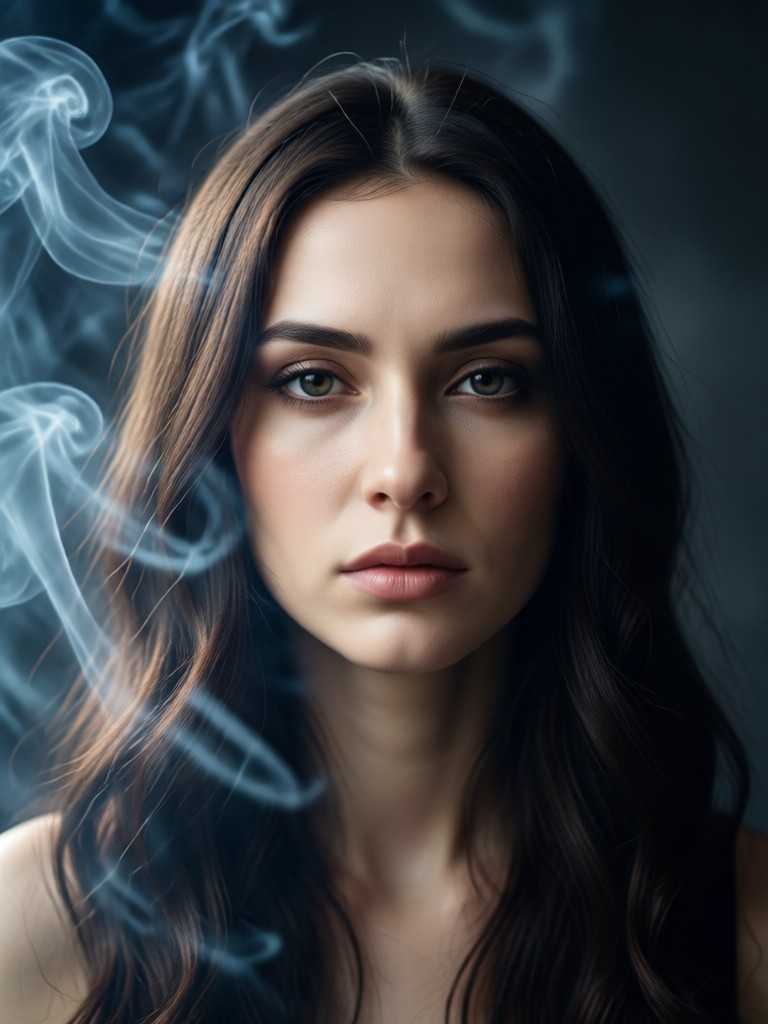
Explore Cinematic Smoke Style Filters
Discover a collection of AI filters designed to create different moods, from ethereal mist to intense, dramatic smoke clouds.
Create Pro-Level Smoky Portraits in Seconds
Our AI technology handles the complex lighting and particle simulation, delivering studio-quality cinematic portraits with just a few taps.
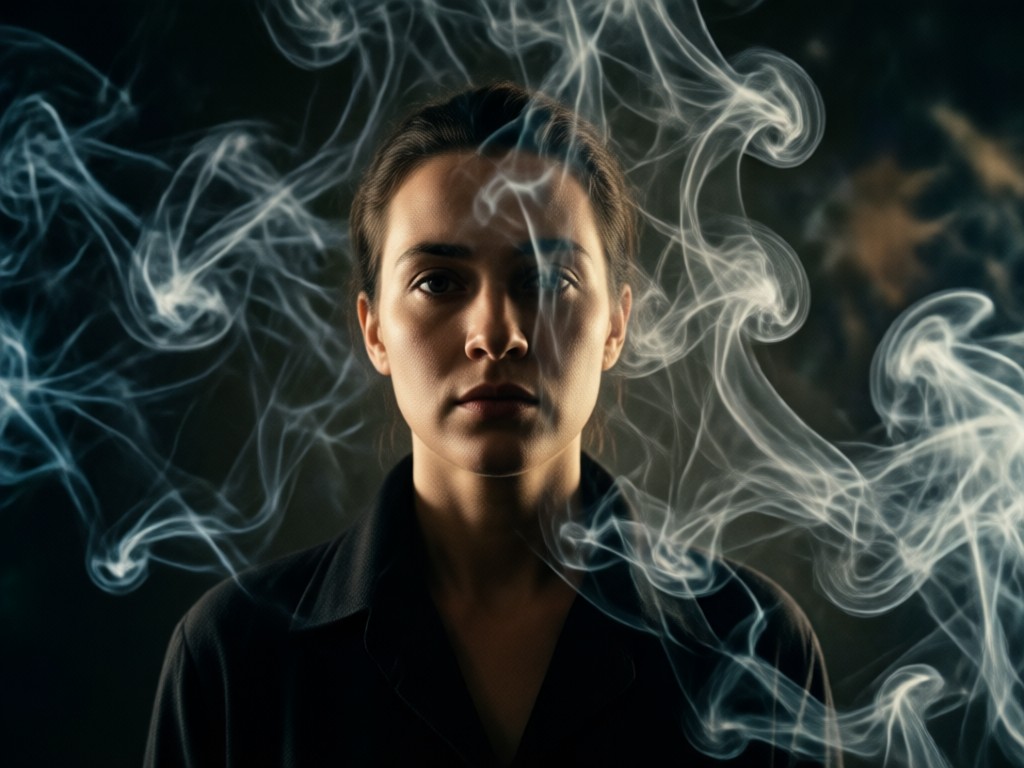
Realistic Smoke & Atmosphere
Generate photorealistic smoke, fog, and atmospheric haze that naturally interacts with your subject's lighting and contours. The AI analyzes depth and lighting to place effects convincingly.
Realistic Smoke & Atmosphere
Generate photorealistic smoke, fog, and atmospheric haze that naturally interacts with your subject's lighting and contours. The AI analyzes depth and lighting to place effects convincingly.
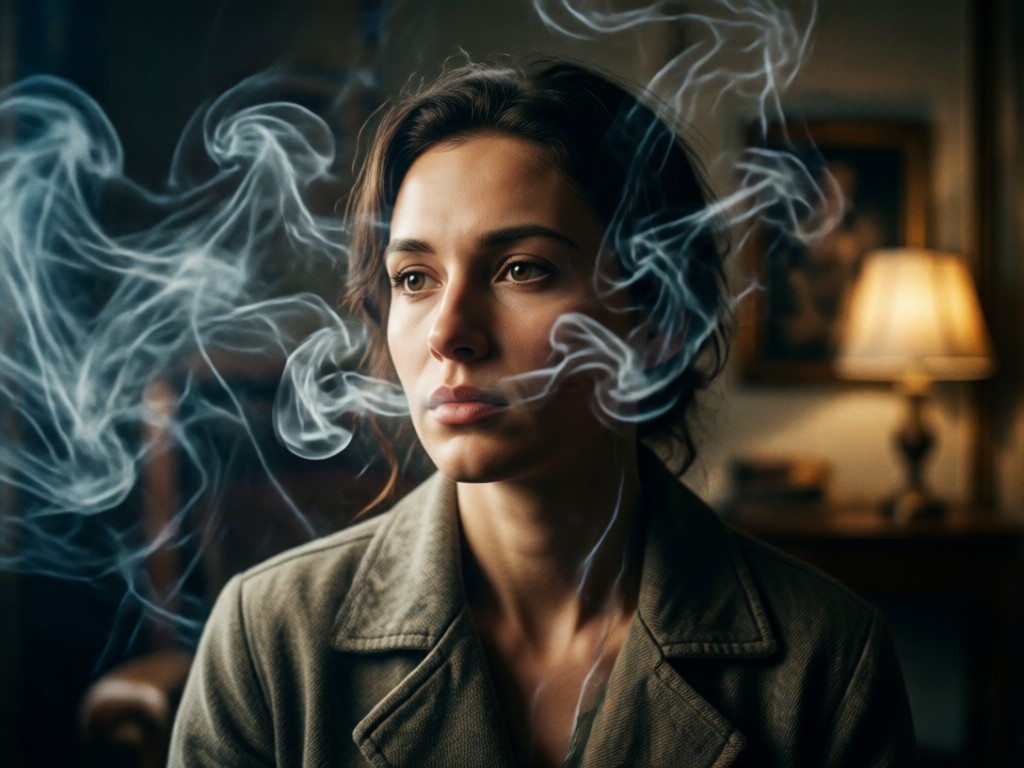
Mood & Cinematic Lighting
Enhance your portrait with dynamic, moody lighting styles inspired by cinema. Adjust color grading, add volumetric light rays, and create deep shadows for maximum dramatic impact.
Mood & Cinematic Lighting
Enhance your portrait with dynamic, moody lighting styles inspired by cinema. Adjust color grading, add volumetric light rays, and create deep shadows for maximum dramatic impact.
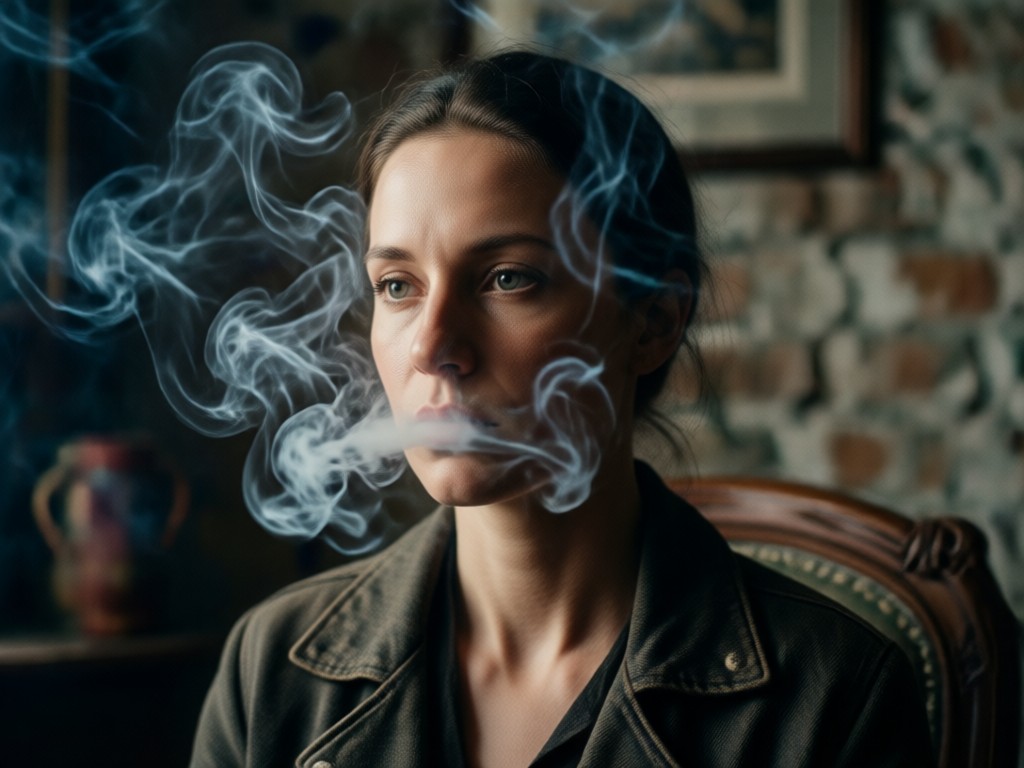
Full Creative Control
Fine-tune your effect with intuitive sliders for smoke density, color, direction, and blend intensity. Achieve anything from a subtle wisp to a billowing cloud of smoke.
Full Creative Control
Fine-tune your effect with intuitive sliders for smoke density, color, direction, and blend intensity. Achieve anything from a subtle wisp to a billowing cloud of smoke.
Cinematic Smoky Portrait Inspiration
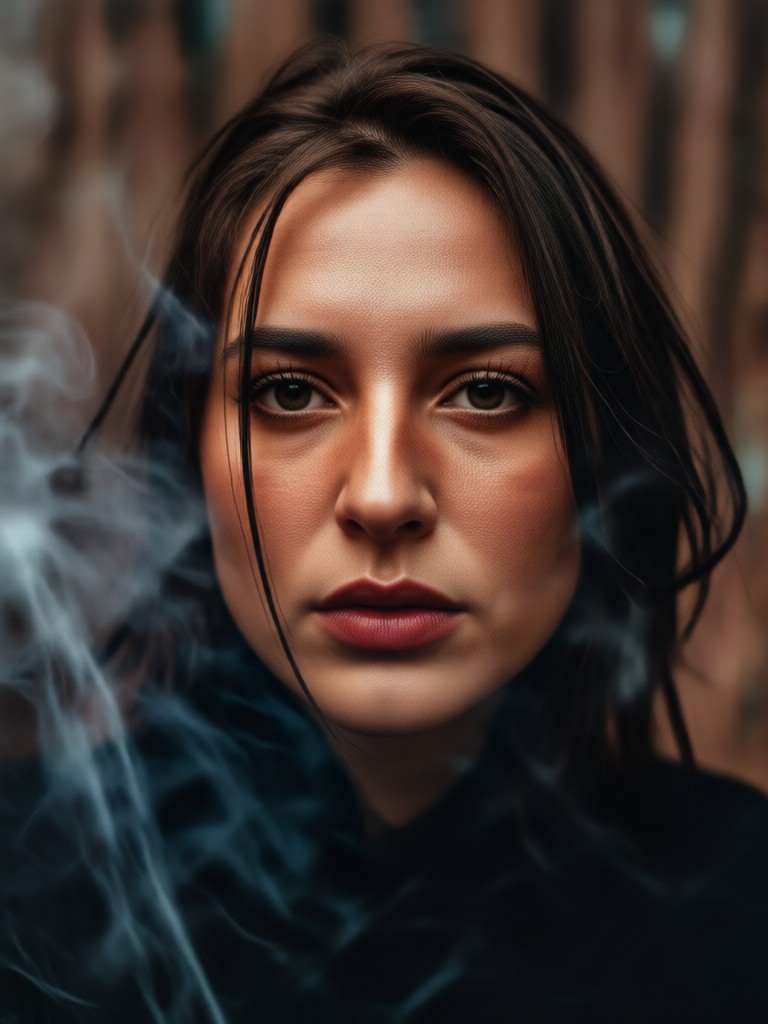
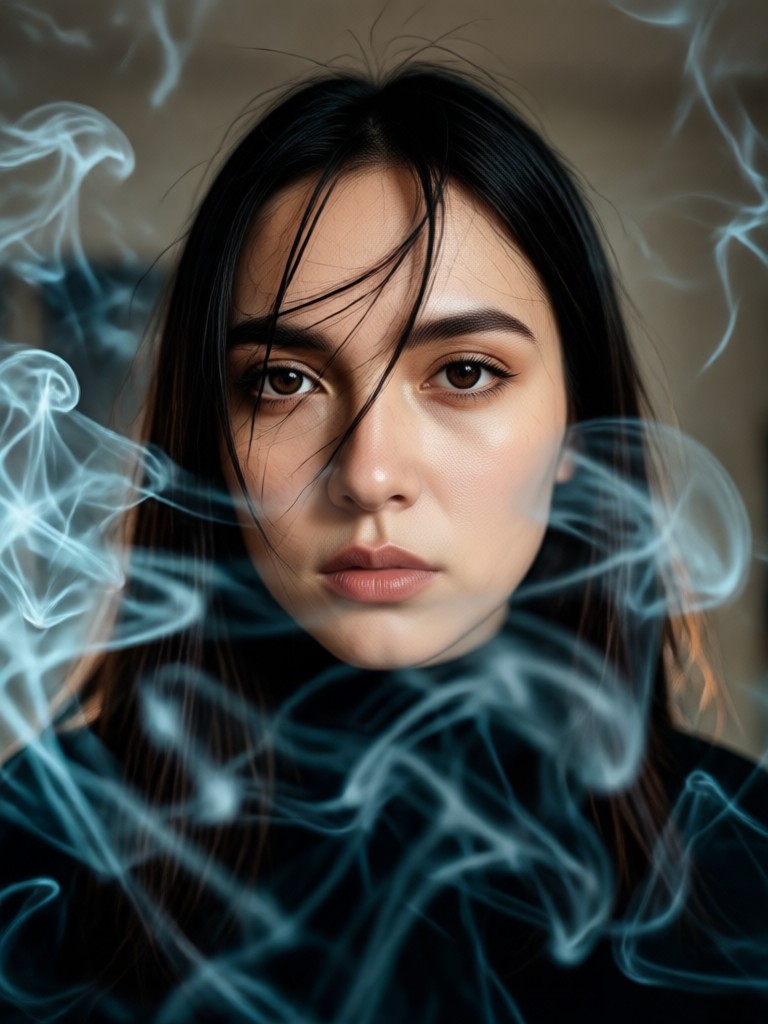
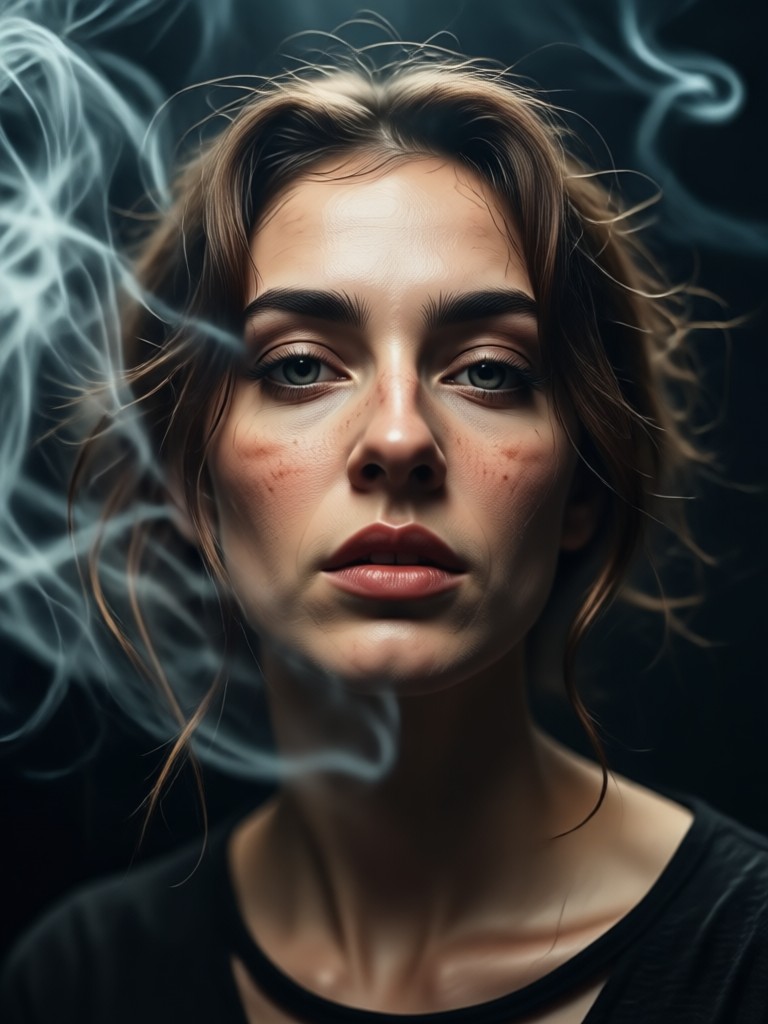
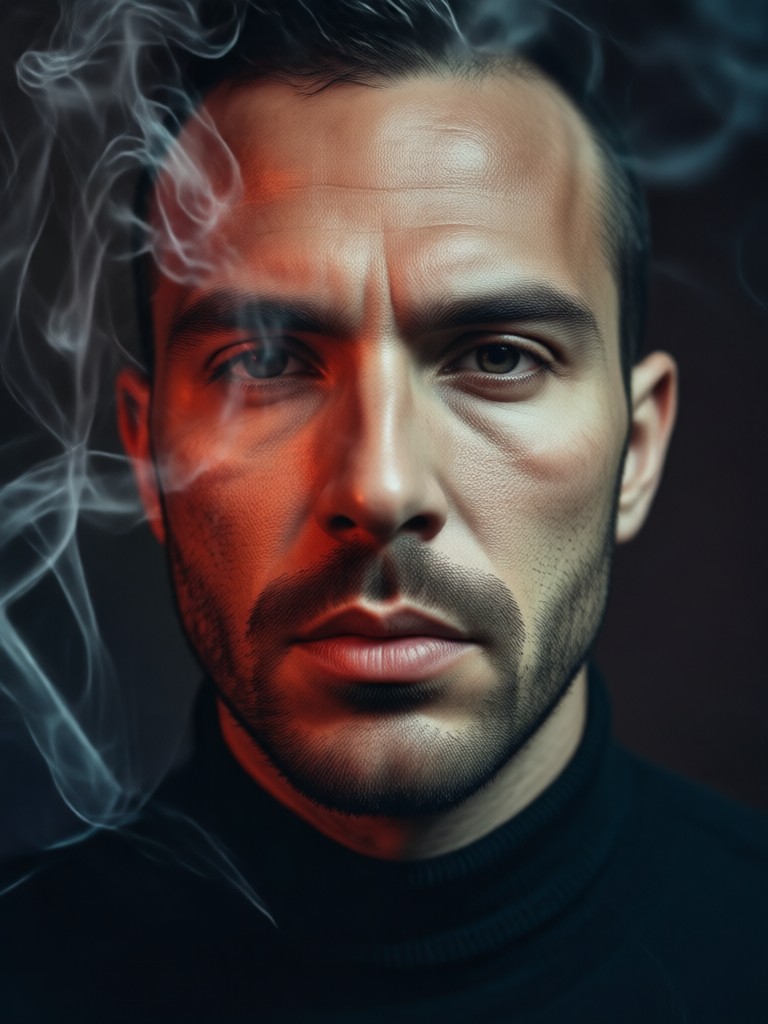
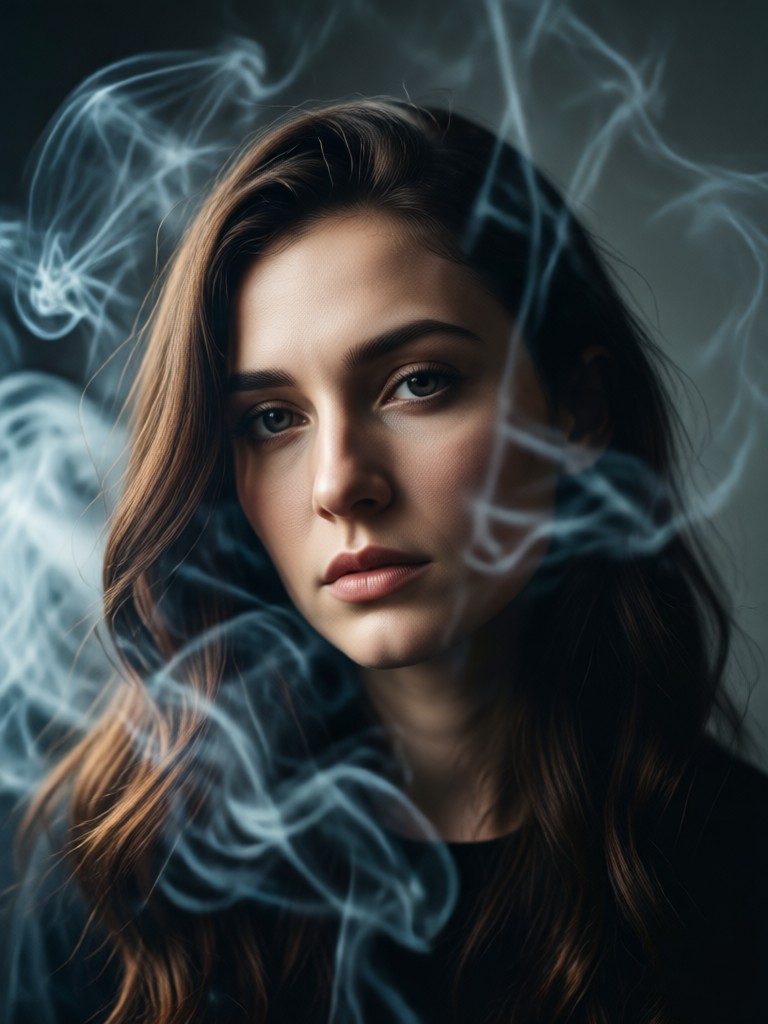
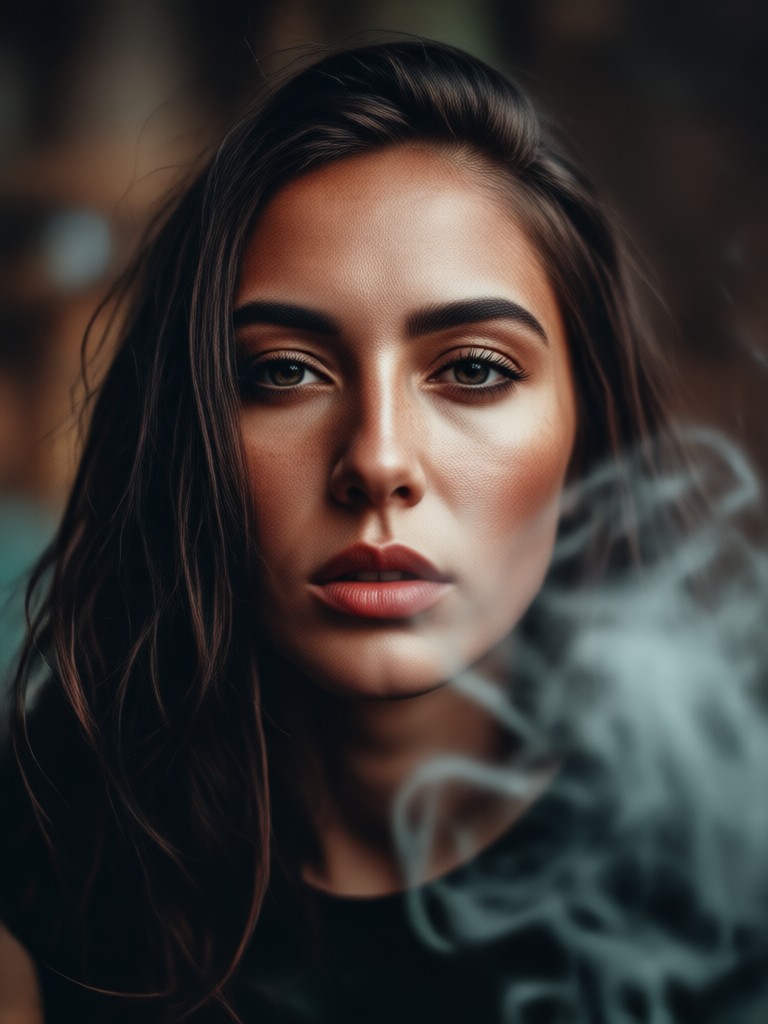
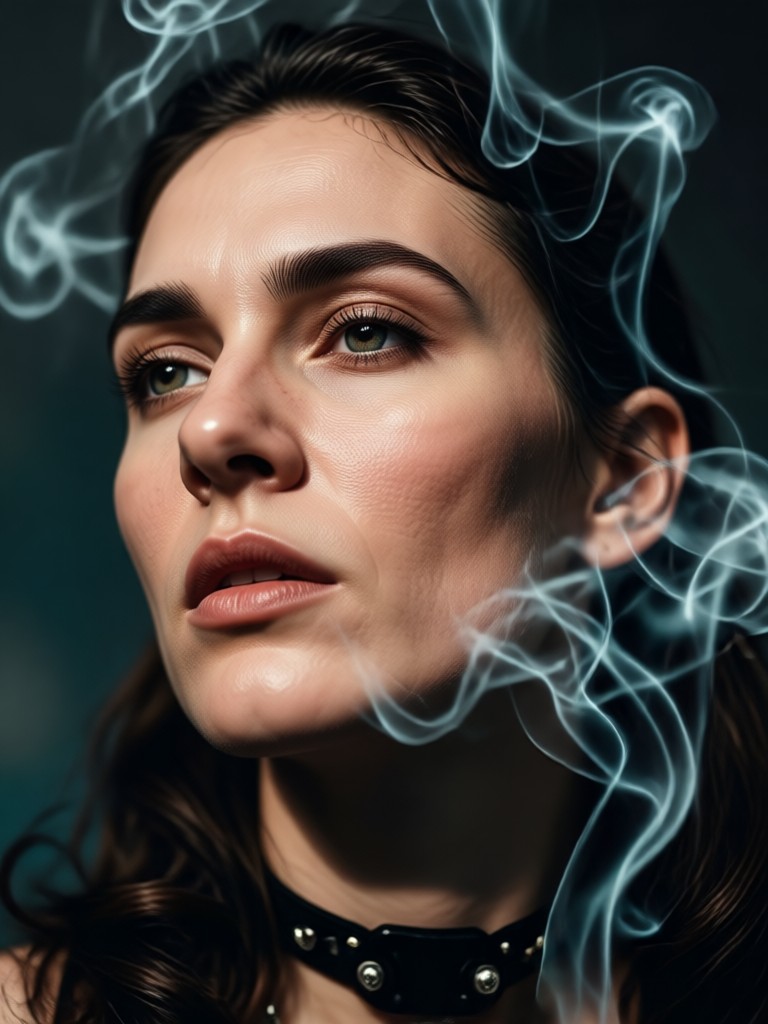
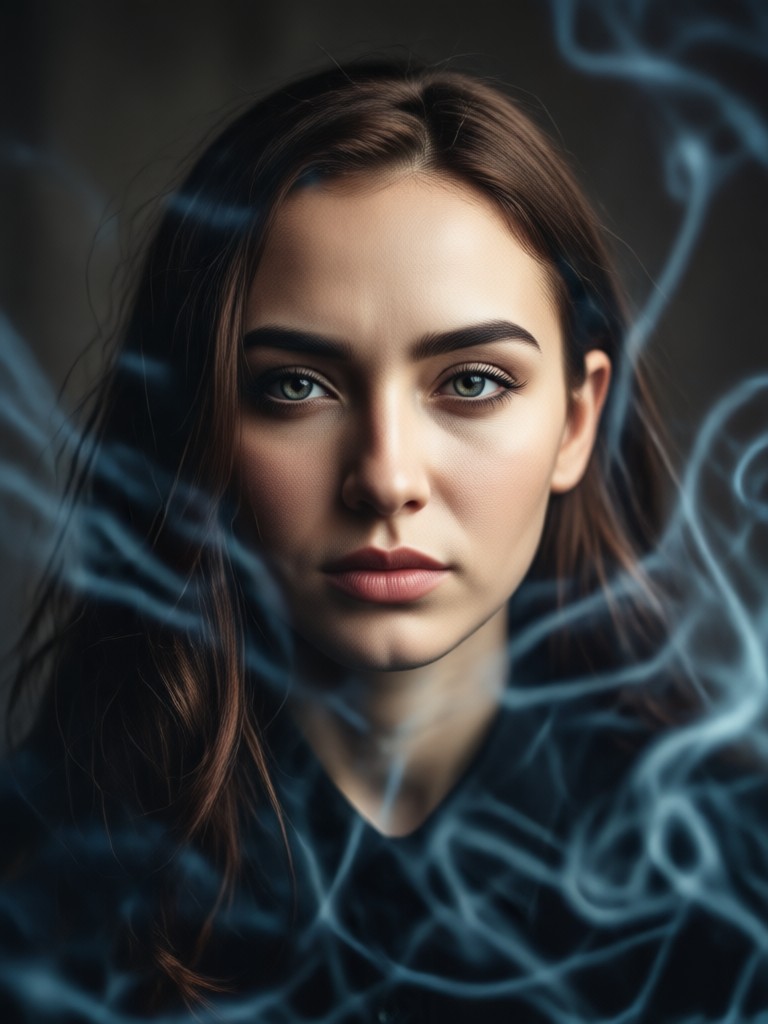
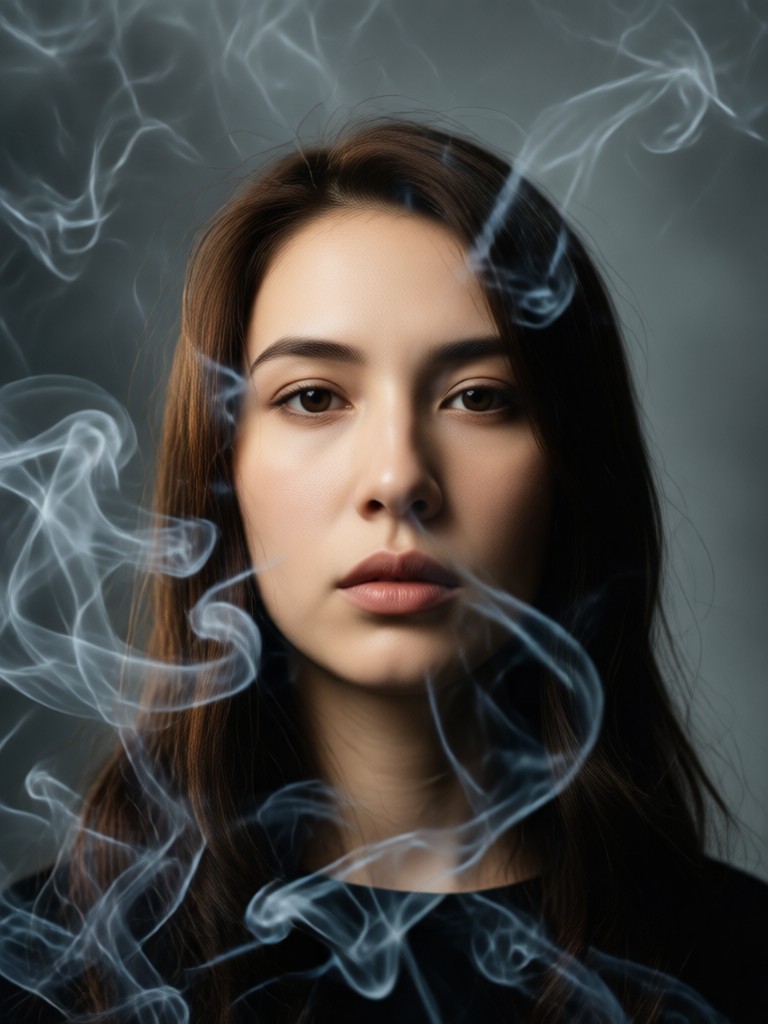
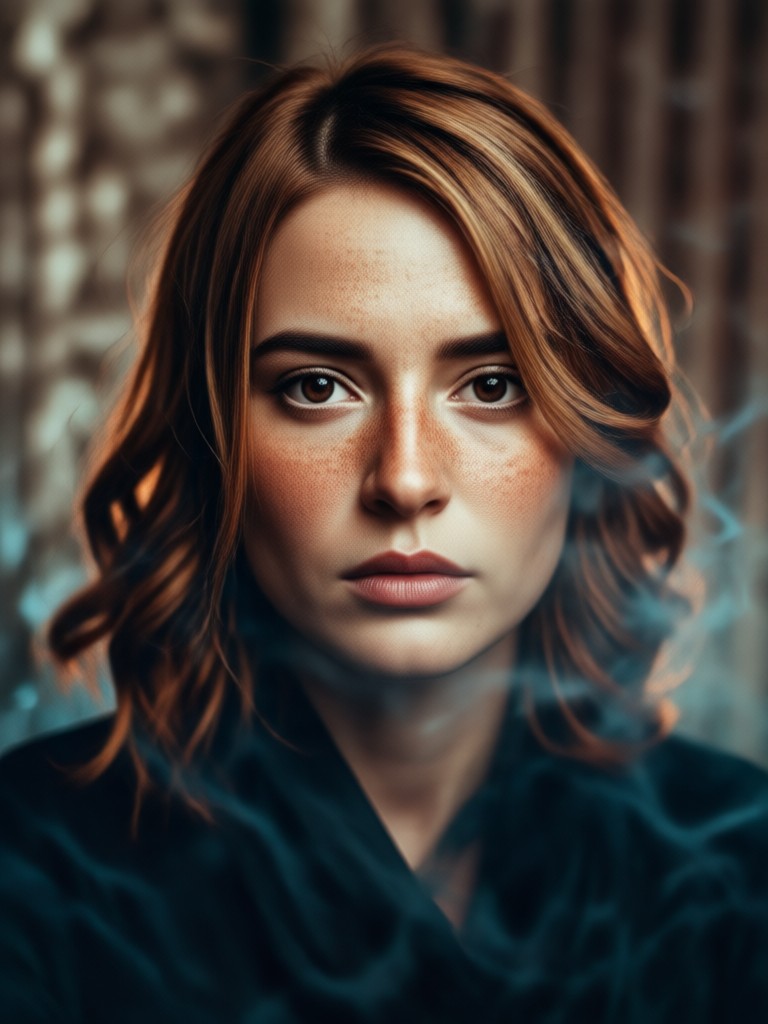
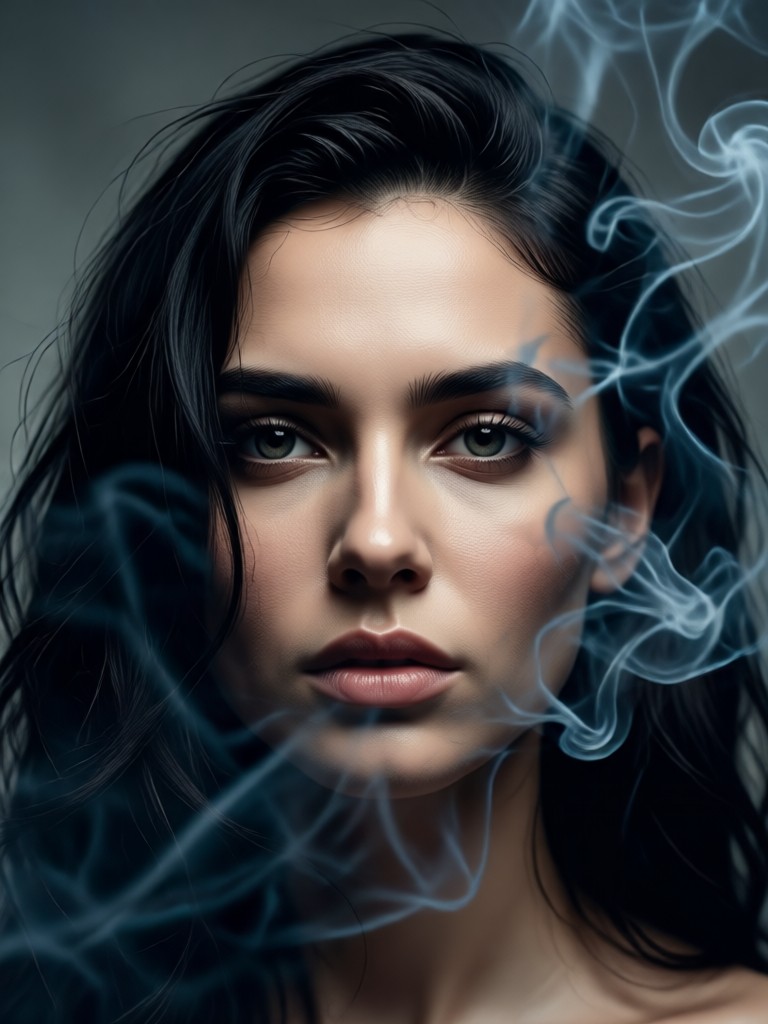
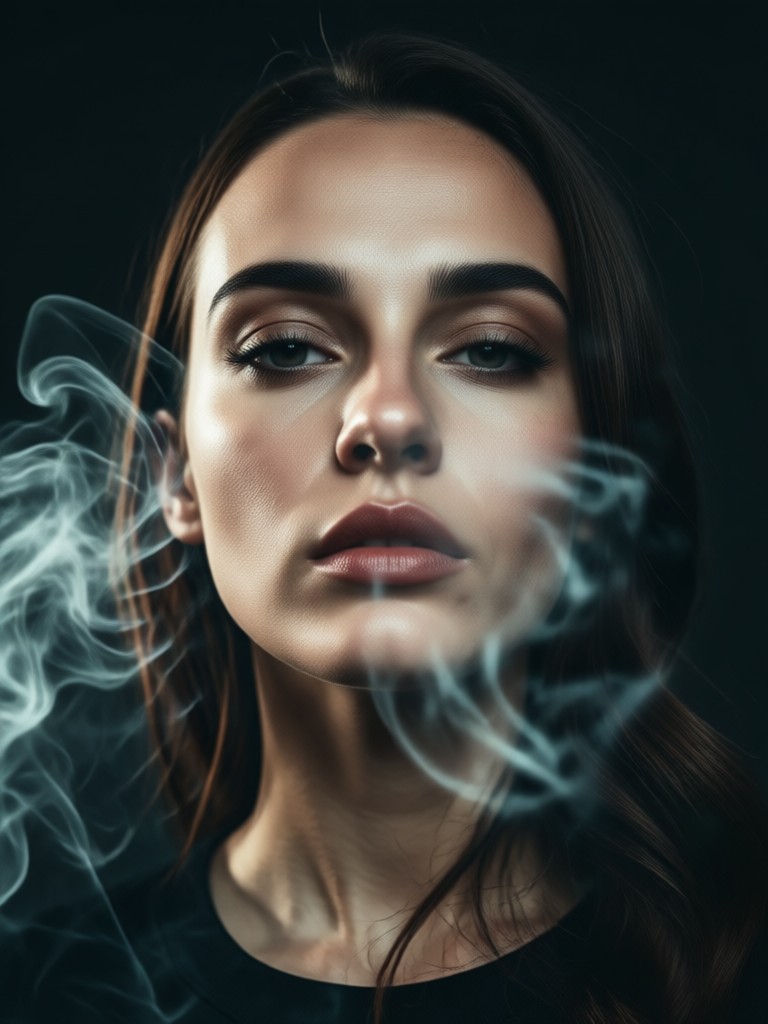
See how users are transforming their photos into breathtaking cinematic scenes with smoky portrait effects. Each image showcases the power and versatility of our AI filters.
How to Create a Cinematic Smoky Portrait?
Follow these three simple steps to turn any photo into a stunning cinematic masterpiece with atmospheric smoke effects.

Step 01.
Download the FrameLux app from Google Play to access all cinematic smoky portrait filters and AI tools directly on your mobile device.

Step 02.
Upload your portrait and browse the 'Cinematic' or 'Effects' category to choose a smoky portrait filter. Preview different styles like 'Misty Glow' or 'Dramatic Haze'.

Step 03.
Generate your AI smoky portrait. Use the adjustment tools to fine-tune the smoke density and color, then save and share your cinematic creation instantly.
What Creators Say About Smoky Portrait Effects
Perfect for building a mysterious aesthetic
As a portrait photographer, I use this to create concept shots for clients before the actual shoot. The smoky effects add so much depth and mood, and it's incredibly easy to get professional results.
My go-to tool for album art and social media
I make music and need eye-catching visuals. The cinematic smoky portraits are exactly what I was looking for. They make my profile look cohesive and high-end without any design skills.
Unlocks a new level of creative storytelling
I use these filters to enhance the narrative in my character art and digital storytelling. The ability to control the smoke's intensity helps me convey specific emotions and atmospheres perfectly.
Cinematic Smoky Portrait FAQs
Find answers to common questions about creating stunning smoky portrait effects with our AI technology.
From Simple Photo to Cinematic Scene
See how a standard portrait is transformed into a gripping cinematic narrative with layered smoke and atmospheric AI effects. The process is instant, requiring no manual masking or complex compositing.
Ignite Your Portraits with Cinematic Drama
Stop scrolling through generic filters. Download FrameLux and instantly equip your photos with the atmospheric, smoky effects that define modern cinematic visual storytelling.
Ignite Your Portraits with Cinematic Drama
Stop scrolling through generic filters. Download FrameLux and instantly equip your photos with the atmospheric, smoky effects that define modern cinematic visual storytelling.